Sorry I edited my last comment not noticing you had already replied. are you on Nvidia?
yes, I am, on a Dell G5 5590 with an NVidia RTX 2060
unfortunately Nvidia by itself might be 75% of the issue. Did you try switching back to x11 in the login screen?
I always set garuda to auto login, I always forget about that screen XD
I personally love Wayland though I had never used or had a reason to use it before this week, but Nvidia users are haivng a very bad time too often. (Nvidia’s long term fault)
My first login to KDE 6 (which now defaults to Wayland instead of x11) I was able to turn on my monitors HDR and people are playing HDR games. Its also way more stable in my personal experience when running multiple high graphics calculation scientific programs vs x11 and probably in general!
1 Like
yeah, switching to X11 did the job. How can I make this change a default for the auto login?
I’m happy for you and people, but really wish this would be my case too 
1 Like
I think this is where you change default display manager for automatic log in.

2 Likes
I do think the Garuda developers should keep default Wayland for everybody (I think I heard even intel dedicated cards work well with Wayland) but systems booting up with Nvidia (or maybe just Nvidia with closed drivers or whatever is the problem) should default to x11. How do I tag/ping/annoy the devs on this?
Wayland is not the default for Garuda, but rather for KDE. It is set as the default session by the KDE devs, not by Arch or Garuda.
Switching sessions is a simple as clicking a drop-down menu on the login screen and picking a different session. Subsequent logins will remember your choice, so really you only need to do it once. I think trying to code a solution to eliminate the need for this small task is probably more effort than it is worth.
The best way to get the attention of the devs is to raise an issue or submit your merge request against the appropriate repo. Garuda Linux 🦅 · GitLab
3 Likes
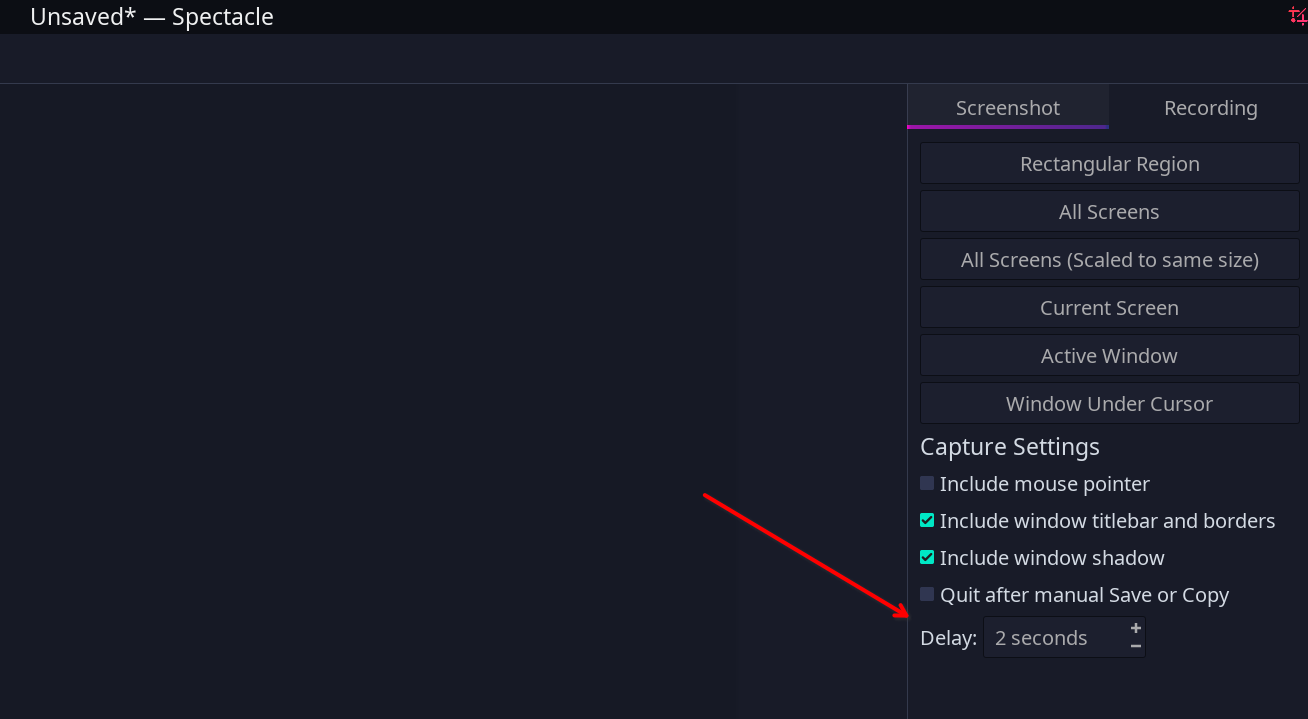
ugh I wish there was a way to capture when I have menus open in Dolphin… I really like Dolphin, so I don’t even wanna test another file manager =p
I found out how to remove the transparency in almost everywhere that was making me nuts, in Kvantum Manager:
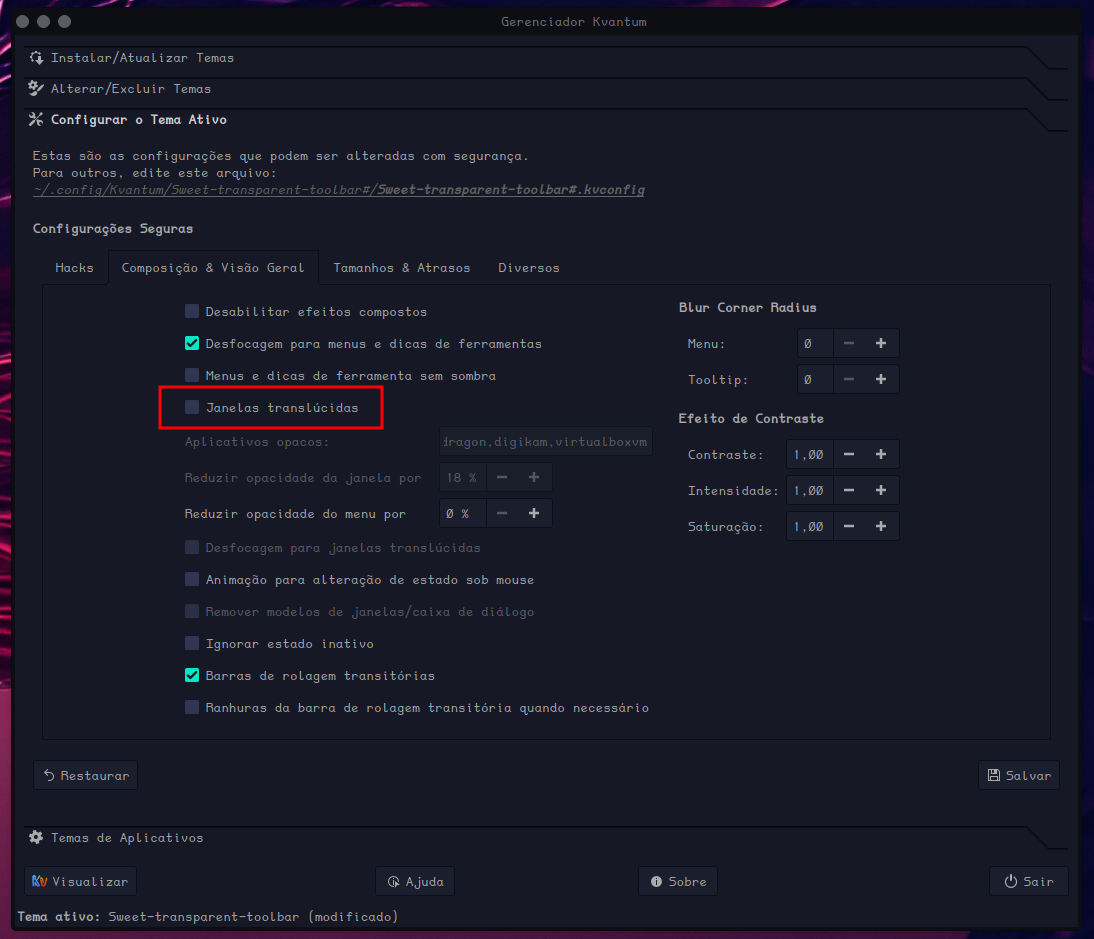
But some other things I can’t find where to change/fix, like the space available/used in Dolphin’s bottom right status bar

I don’t remember everything being transparent like this before the update, and that space usage indicator used to be readable, I used it a lot…
1 Like
I am aware its KDE that changed the default, but I’m sure Garuda could and would benefit its users to change what is default for Nvidia Garuda KDE users that is if its possible. People generally just want an out of the box great or at least working experience and too often Nvidia isn’t allowing that on Wayland + Plasma 6. I know that it takes one click to change display manager, but most users who are running into issues don’t know its why and spend like an hour or even a few hours trying to figure what is wrong and that is just weak. I know Plasma isn’t going to change anything (and obviously not Nvidia before them lol). Its not about who originated the problem just that Garuda might be cool to ameliorate it.
Thanks for the big update! In the end, it went fine. I’m impressed that you people can keep up the good work and provide this nice free service without breaking things. Much appreciated!
5 Likes
We try our best to keep things running smoothly 
8 Likes
Just a clarification about using Proton VPN. I use it as well and have been using it for years.
Just thought I’d mention this in case anyone encounters issues:
Be aware that the PVPN CLI / command line client is the dead, unsupported branch that had development stop at some point in the first half of last year, if not earlier. Proton has stated on reddit that at some time in the future it may stop working altogether due to incompatibilities or be inadvisable to use due to insecurities. However, if you prefer to use the command line app, you’re out of luck at the moment because the current rewritten PVPN app for Linux does not include a CLI client. They have plans for it in the future but it isn’t available yet.
To be clear, there is a new GUI app however (it’s available in the AUR along with the new Linux (beta) Protonmail app).
3 Likes
A post was split to a new topic: Issues I encountered after upgrading to KDE6
Thank you very much for this and very happy to see another Garuda user following the VPN issues & especially PVPN.
Before I got onto Garuda back in 2019-2020 I had gotten PVPN to only work on debian Mint via the CLI command line client. Then when I installed Garuda arch, I had to go back and forth with PVPN support to work out lots of kinks to get it to work on arch, in those days only through the CLI. Then finally about a year later, the GUI got released and I could use the CLI to check if the GUI was working and vice-versa.
Since the new Plasma-KDE release I noticed problems trying to get on PVPN - Conky shows that Wayland is more involved than before, and Plasma and KDE look like they have more network eyes-on processes running during connections. So trying to log on via one country blocks internet connection completely, even though the CLI shows the connection there. (I am a paid customer so usually have full options available & use them).
I am not sure why some countries nodes would be different and lots of theories could be entertained. It would be great to have a Garuda VPN topic for participant-observers to compare notes. Thanks again!
From what you said, it sounds to me like you were “mixing codebases” between the old dead client and the newer and / or GUI client. As I understand it, this is not recommended.
I would completely nuke your PVPN software. Uninstall it all, then go into ~/.cache & ~/.config and delete anything related to Proton (VPN). Reboot, then install the new client. Starting over new with the new client was recommended by them to avoid problems anyway.
Funnily enough though, the new version (4.2.0) that I updated to in AUR completely broke it for me. Now it just errors out completely (can see it’s a bunch of python errors in command line) and won’t start.
I tried nuking my installation like I mentioned above, but that didn’t solve the issue in my case. So you might want to wait if you’re going to do what I mentioned.
I had a problem like the one you mentioned back around 2020. It was definitely related to the python libraries, and different proton scripts using different versions of python that had major intervening code base changes.
I keep my pvpn pretty current and it usually works. We can also imagine that it is a popular target for mischief. (I usually run hardened Garuda for this reason). I will check the cache files as you said and nuke the CLI although I would like to have another one!
Proton was very good about working with me to help resolve the problems because it looks like they really don’t have a lot of feedback from arch users so they do use & appreciate the user feedback a lot.
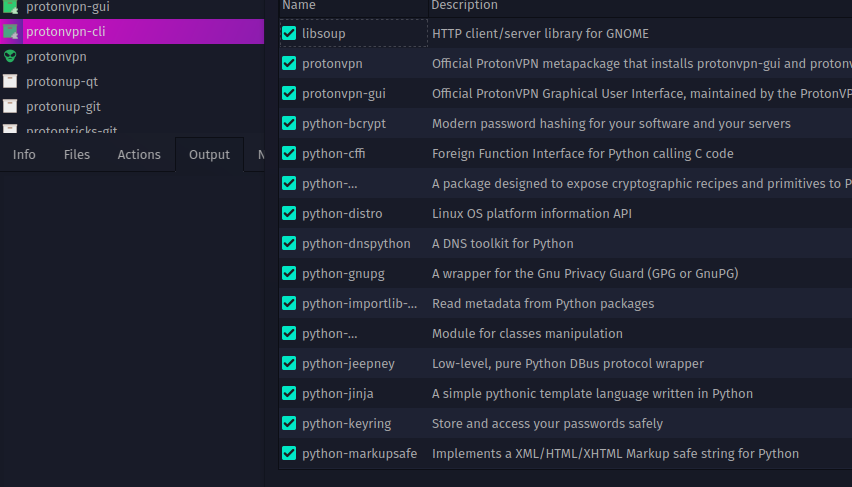
It looks like removing the CLI also nukes lots of critical python files if doing it through a package manager. Removing the CLI without looking at all the other files that will get torched would not be recommended as far as I can see. This may be due to the way they are packaged. Or, as you suggested, different code-bases are spread across different package managers leading to issues!