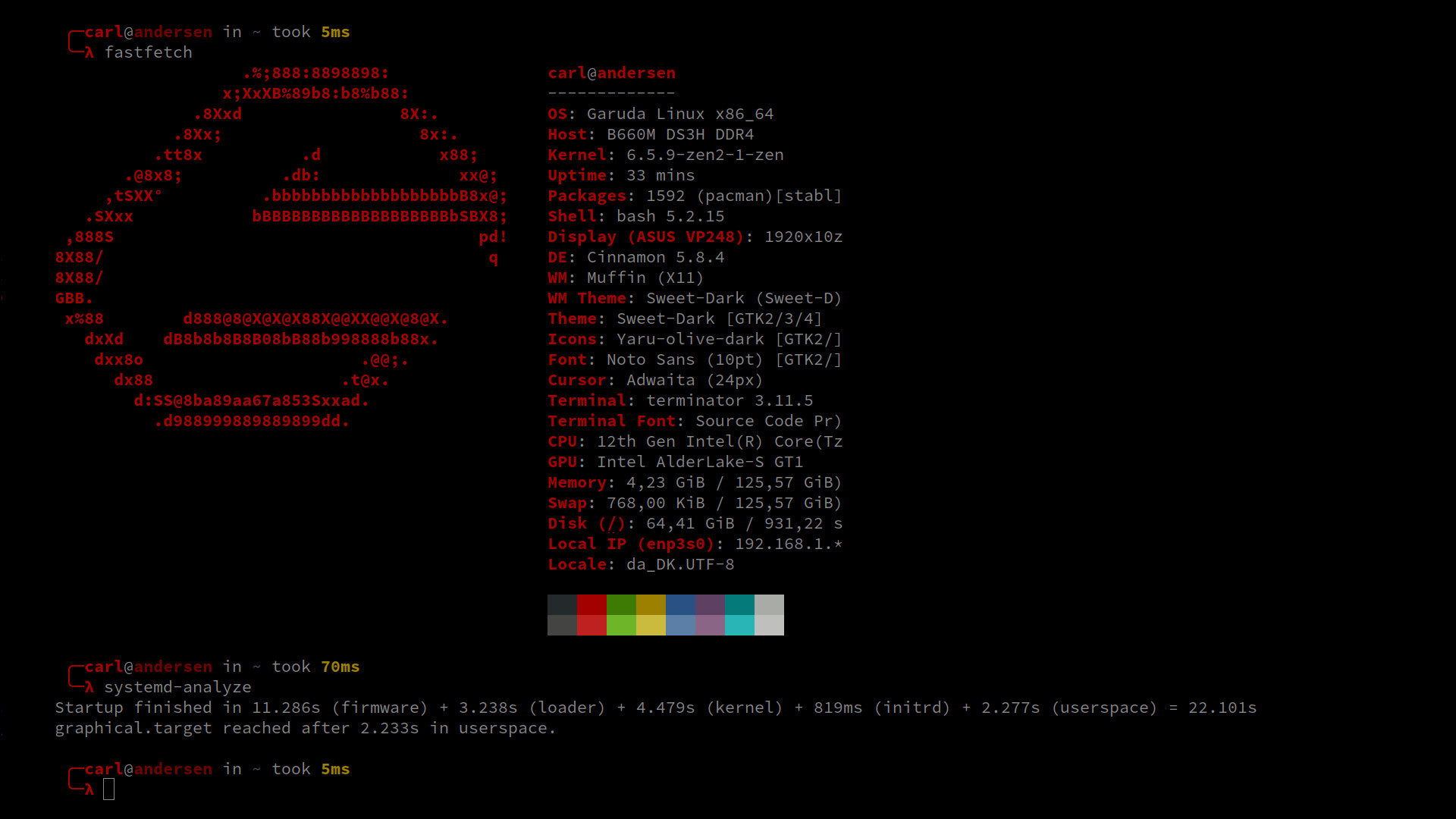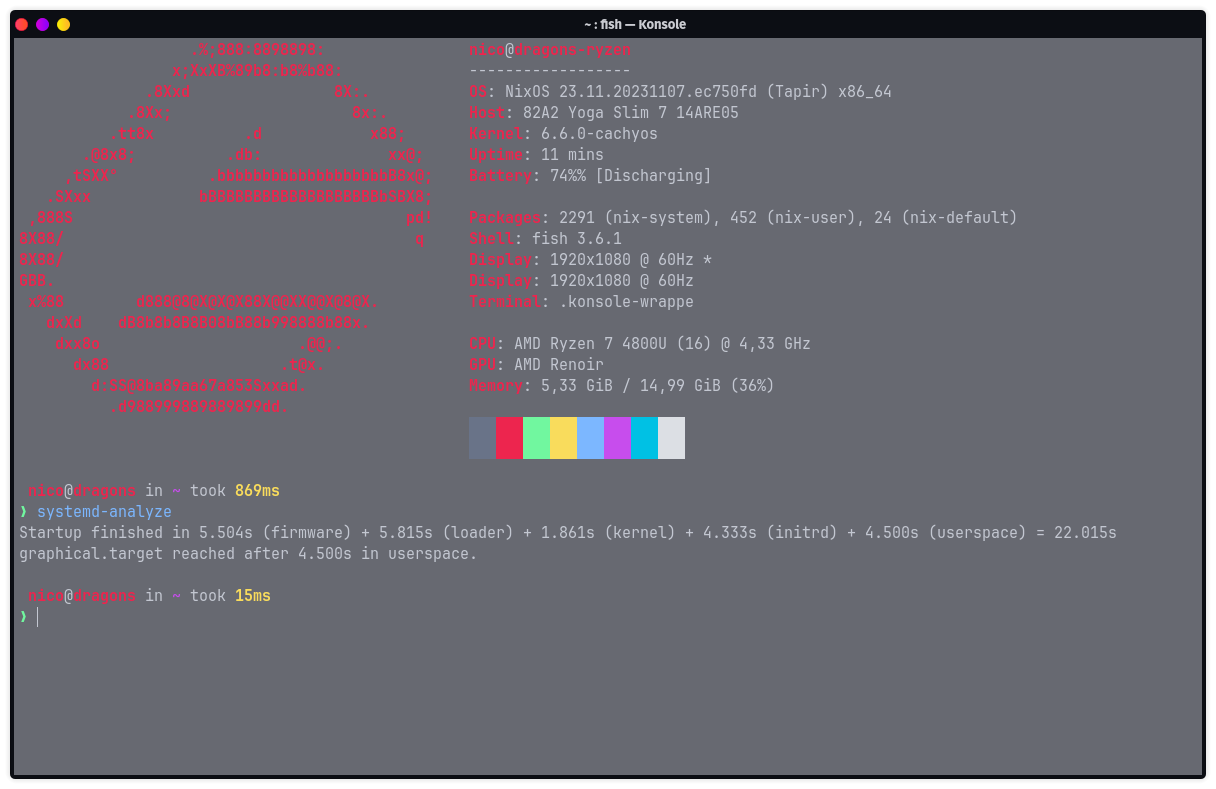
I need a better workstation as well, preferably with a Ryzen 9 7950X3D 
2 Likes
systemd-analyze
Startup finished in 6.345s (firmware) + 5.819s (loader) + 1.148s (kernel) + 2.575s (initrd) + 13.677s (userspa
ce) = 29.566s
graphical.target reached after 13.677s in userspace.
I thought my laptop from 2019 was still fast.
garuda-inxi
System:
Kernel: 6.5.9-zen2-1-zen arch: x86_64 bits: 64 compiler: gcc v: 13.2.1
clocksource: tsc available: hpet,acpi_pm
parameters: BOOT_IMAGE=/@/boot/vmlinuz-linux-zen
root=UUID=fee12699-5d85-4ddb-bae0-daf333cf53d5 rw rootflags=subvol=@
loglevel=3 quiet ibt=off
Desktop: KDE Plasma v: 5.27.9 tk: Qt v: 5.15.11 wm: kwin_x11 vt: 2
dm: SDDM Distro: Garuda Linux base: Arch Linux
Machine:
Type: Laptop System: Micro-Star product: GL65 9SE v: REV:1.0
serial: <superuser required> Chassis: type: 10 serial: <superuser required>
Mobo: Micro-Star model: MS-16U5 v: REV:1.0 serial: <superuser required>
UEFI: American Megatrends v: E16U5IMS.102 date: 03/17/2020
Battery:
ID-1: BAT1 charge: 25.3 Wh (58.4%) condition: 43.3/51.6 Wh (84.0%)
volts: 11.0 min: 10.9 model: MSI BIF0_9 type: Li-ion serial: N/A
status: not charging
CPU:
Info: model: Intel Core i7-9750H bits: 64 type: MT MCP arch: Coffee Lake
gen: core 9 level: v3 note: check built: 2018 process: Intel 14nm family: 6
model-id: 0x9E (158) stepping: 0xA (10) microcode: 0xF4
Topology: cpus: 1x cores: 6 tpc: 2 threads: 12 smt: enabled cache:
L1: 384 KiB desc: d-6x32 KiB; i-6x32 KiB L2: 1.5 MiB desc: 6x256 KiB
L3: 12 MiB desc: 1x12 MiB
Speed (MHz): avg: 800 min/max: 800/4500 scaling: driver: intel_pstate
governor: powersave cores: 1: 800 2: 800 3: 800 4: 800 5: 800 6: 800 7: 800
8: 800 9: 800 10: 800 11: 800 12: 800 bogomips: 62399
Flags: avx avx2 ht lm nx pae sse sse2 sse3 sse4_1 sse4_2 ssse3 vmx
Vulnerabilities: <filter>
Graphics:
Device-1: Intel CoffeeLake-H GT2 [UHD Graphics 630] vendor: Micro-Star MSI
driver: i915 v: kernel arch: Gen-9.5 process: Intel 14nm built: 2016-20
ports: active: eDP-1 empty: none bus-ID: 00:02.0 chip-ID: 8086:3e9b
class-ID: 0300
Device-2: NVIDIA TU106M [GeForce RTX 2060 Mobile] vendor: Micro-Star MSI
driver: nvidia v: 545.29.02 alternate: nouveau,nvidia_drm non-free: 545.xx+
status: current (as of 2023-10; EOL~2026-12-xx) arch: Turing code: TUxxx
process: TSMC 12nm FF built: 2018-2022 pcie: gen: 3 speed: 8 GT/s
lanes: 16 ports: active: none empty: DP-1,HDMI-A-1 bus-ID: 01:00.0
chip-ID: 10de:1f11 class-ID: 0300
Display: x11 server: X.Org v: 21.1.9 with: Xwayland v: 23.2.2
compositor: kwin_x11 driver: X: loaded: modesetting,nvidia dri: iris
gpu: i915 display-ID: :0 screens: 1
Screen-1: 0 s-res: 1920x1080 s-dpi: 96 s-size: 508x285mm (20.00x11.22")
s-diag: 582mm (22.93")
Monitor-1: eDP-1 model: AU Optronics 0xd0ed built: 2019 res: 1920x1080
hz: 120 dpi: 142 gamma: 1.2 size: 344x193mm (13.54x7.6") diag: 394mm (15.5")
ratio: 16:9 modes: 1920x1080
API: EGL v: 1.5 hw: drv: intel iris drv: nvidia platforms: device: 0
drv: nvidia device: 1 drv: iris device: 3 drv: swrast gbm: drv: nvidia
surfaceless: drv: nvidia x11: drv: iris inactive: wayland,device-2
API: OpenGL v: 4.6.0 compat-v: 4.5 vendor: intel mesa v: 23.2.1-arch1.2
glx-v: 1.4 direct-render: yes renderer: Mesa Intel UHD Graphics 630 (CFL
GT2) device-ID: 8086:3e9b memory: 15.05 GiB unified: yes
API: Vulkan v: 1.3.269 layers: 8 device: 0 type: integrated-gpu name: Intel
UHD Graphics 630 (CFL GT2) driver: mesa intel v: 23.2.1-arch1.2
device-ID: 8086:3e9b surfaces: xcb,xlib device: 1 type: discrete-gpu
name: NVIDIA GeForce RTX 2060 driver: nvidia v: 545.29.02
device-ID: 10de:1f11 surfaces: xcb,xlib device: 2 type: cpu name: llvmpipe
(LLVM 16.0.6 256 bits) driver: mesa llvmpipe v: 23.2.1-arch1.2 (LLVM
16.0.6) device-ID: 10005:0000 surfaces: xcb,xlib
Audio:
Device-1: Intel Cannon Lake PCH cAVS vendor: Micro-Star MSI
driver: snd_hda_intel v: kernel alternate: snd_soc_skl,snd_sof_pci_intel_cnl
bus-ID: 00:1f.3 chip-ID: 8086:a348 class-ID: 0403
Device-2: NVIDIA TU106 High Definition Audio vendor: Micro-Star MSI
driver: snd_hda_intel v: kernel pcie: gen: 3 speed: 8 GT/s lanes: 16
bus-ID: 01:00.1 chip-ID: 10de:10f9 class-ID: 0403
API: ALSA v: k6.5.9-zen2-1-zen status: kernel-api with: aoss
type: oss-emulator tools: N/A
Server-1: PipeWire v: 0.3.84 status: active with: 1: pipewire-pulse
status: active 2: wireplumber status: active 3: pipewire-alsa type: plugin
4: pw-jack type: plugin tools: pactl,pw-cat,pw-cli,wpctl
Network:
Device-1: Intel Cannon Lake PCH CNVi WiFi driver: iwlwifi v: kernel
bus-ID: 00:14.3 chip-ID: 8086:a370 class-ID: 0280
IF: wlo1 state: up mac: <filter>
Device-2: Realtek RTL8111/8168/8411 PCI Express Gigabit Ethernet
vendor: Micro-Star MSI driver: r8168 v: 8.052.01-NAPI modules: r8169 pcie:
gen: 1 speed: 2.5 GT/s lanes: 1 port: 3000 bus-ID: 03:00.0
chip-ID: 10ec:8168 class-ID: 0200
IF: enp3s0 state: down mac: <filter>
IF-ID-1: docker0 state: down mac: <filter>
IF-ID-2: virbr0 state: down mac: <filter>
Bluetooth:
Device-1: Intel Bluetooth 9460/9560 Jefferson Peak (JfP) driver: btusb
v: 0.8 type: USB rev: 2.0 speed: 12 Mb/s lanes: 1 mode: 1.1 bus-ID: 1-14:5
chip-ID: 8087:0aaa class-ID: e001
Report: btmgmt ID: hci0 rfk-id: 0 state: up address: <filter> bt-v: 5.1
lmp-v: 10 status: discoverable: no pairing: no class-ID: 7c010c
Drives:
Local Storage: total: 1.38 TiB used: 999.79 GiB (71.0%)
SMART Message: Unable to run smartctl. Root privileges required.
ID-1: /dev/nvme0n1 maj-min: 259:0 vendor: Western Digital model: PC SN520
SDAPNUW-512G-1032 size: 476.94 GiB block-size: physical: 512 B
logical: 512 B speed: 15.8 Gb/s lanes: 2 tech: SSD serial: <filter>
fw-rev: 20140000 temp: 36.9 C scheme: GPT
ID-2: /dev/sda maj-min: 8:0 vendor: Western Digital
model: WD10JPVX-60JC3T0 size: 931.51 GiB block-size: physical: 4096 B
logical: 512 B speed: 6.0 Gb/s tech: HDD rpm: 5400 serial: <filter>
fw-rev: 1A01 scheme: GPT
Partition:
ID-1: / raw-size: 146.44 GiB size: 146.44 GiB (100.00%)
used: 92.02 GiB (62.8%) fs: btrfs dev: /dev/nvme0n1p2 maj-min: 259:2
ID-2: /boot/efi raw-size: 300 MiB size: 299.4 MiB (99.80%)
used: 4.3 MiB (1.4%) fs: vfat dev: /dev/nvme0n1p1 maj-min: 259:1
ID-3: /home raw-size: 146.44 GiB size: 146.44 GiB (100.00%)
used: 92.02 GiB (62.8%) fs: btrfs dev: /dev/nvme0n1p2 maj-min: 259:2
ID-4: /var/log raw-size: 146.44 GiB size: 146.44 GiB (100.00%)
used: 92.02 GiB (62.8%) fs: btrfs dev: /dev/nvme0n1p2 maj-min: 259:2
ID-5: /var/tmp raw-size: 146.44 GiB size: 146.44 GiB (100.00%)
used: 92.02 GiB (62.8%) fs: btrfs dev: /dev/nvme0n1p2 maj-min: 259:2
Swap:
Kernel: swappiness: 133 (default 60) cache-pressure: 100 (default) zswap: no
ID-1: swap-1 type: zram size: 15.41 GiB used: 245.2 MiB (1.6%)
priority: 100 comp: zstd avail: lzo,lzo-rle,lz4,lz4hc,842 max-streams: 12
dev: /dev/zram0
Sensors:
System Temperatures: cpu: 59.0 C pch: 49.0 C mobo: N/A
Fan Speeds (rpm): N/A
Info:
Processes: 527 Uptime: 1d 18h 26m wakeups: 6 Memory: total: 16 GiB
available: 15.41 GiB used: 6.4 GiB (41.5%) Init: systemd v: 254
default: graphical tool: systemctl Compilers: gcc: 13.2.1 clang: 16.0.6
Packages: pm: pacman pkgs: 1768 libs: 511 tools: octopi,paru Shell: fish
v: 3.6.1 running-in: konsole inxi: 3.3.31
Garuda (2.6.17-1):
System install date:     2022-07-14
Last full system update: 2023-11-06
Is partially upgraded:   Yes
Relevant software:       snapper NetworkManager dracut nvidia-dkms
Windows dual boot:       No/Undetected
Failed units:
1 Like
lol my custom built light-speed potato still wins >.>
i don’t get it.
people have newer, ‘better’ processors, faster newer ram and these brand new nvme PCIe SCSI drives which are orders of magnitude faster than my old sata3 interface and the OS software that are being run are only marginally different…
how the hell are you guys not absolutely destroying my old machine in boot times? 

of course - I assume that my ssd may not be the fastest. Dont know the exact specs currently, just the stock one from MSI. Do you know your ssd specs? 
Just curious 
1 Like
This is SSD I got:

edit: This one got 550 mb/s read speed and 520 mb/s write speed.
These days there are ssd with 12,400 MB/s write speed… Go for it!
1 Like
I think and i can only say for myself my machine is optimized for creating Garuda wallpapers so when i boot it up ? Garuda goes OMG what has he plugged into it now
3 Likes
it’s gotta be something!
i know i have a good machine - because i built it >=-) - but still, other significantly more powerful machines should have a substantially better boot-time compared to mine.
maybe some AI is in your subsystem and calling home? lmfao
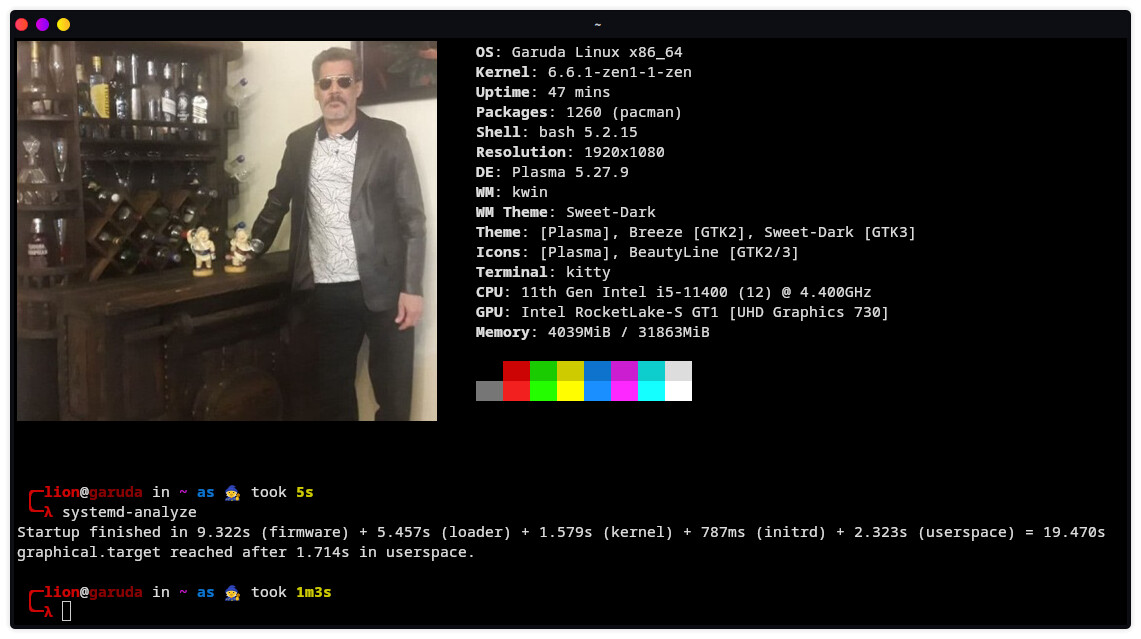

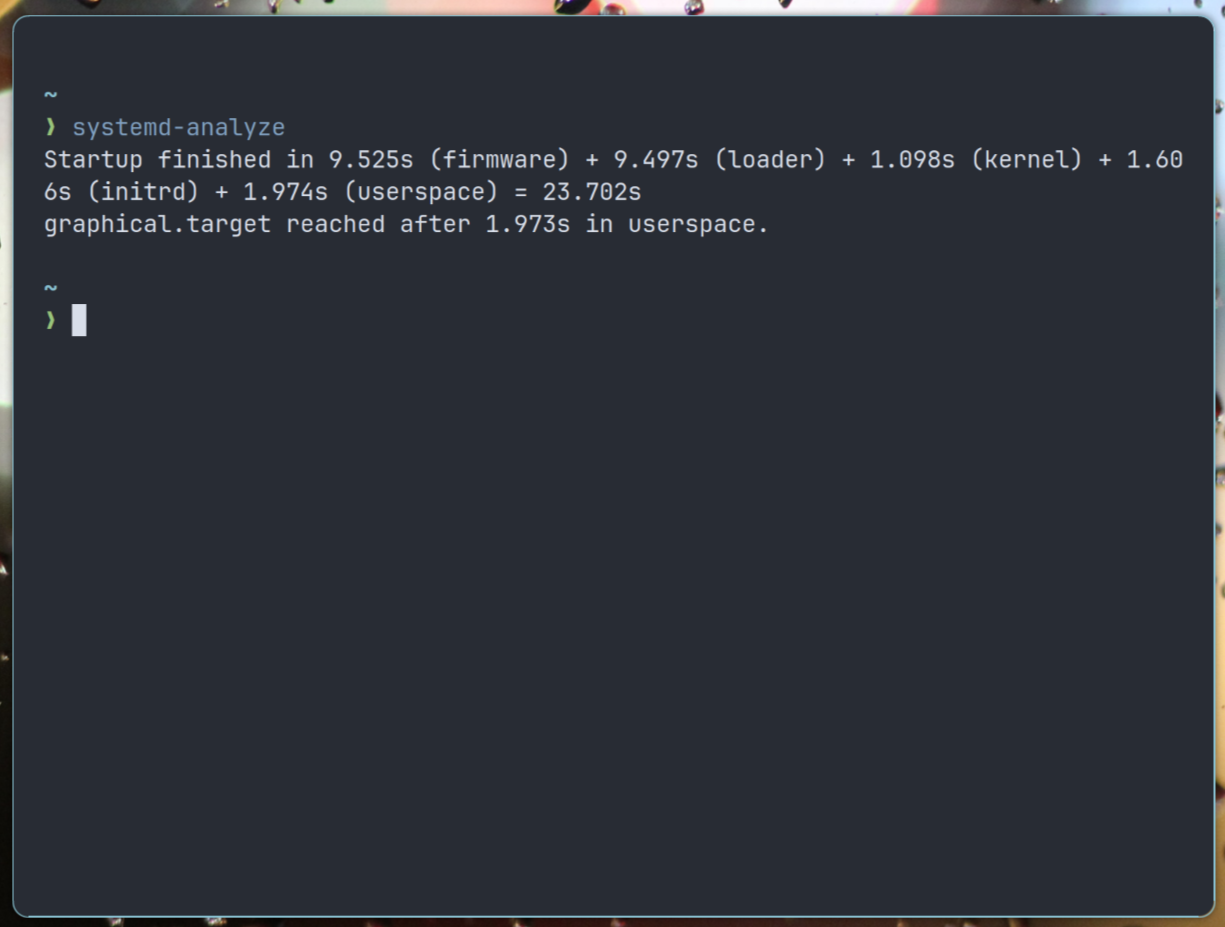

5 Likes
bonkers! I’ll check on that mate 
Oh, that image link expired.
It’s Samsung SSD EVO 500 GB with 550 mb/s read speed. So nothing major actually. These days there are way faster SSD. I think my incredible boot speed is due to actually NOT tweaking boot loader or any other parameter. This is Garuda Sway default install (fresh, no files other than few wallpapers). As you can see, everyone else here got way stronger computers compared to mine old Laptop but no one is even close to this boot up time ( 7.311s). It means that software they use is slowing them down + way more files on their ssd.
> systemd-analyze
Startup finished in 8.618s (firmware) + 5.000s (loader) + 859ms (kernel) + 2.592s (initrd) + 3.438s (userspace) = 20.509s
graphical.target reached after 3.381s in userspace.
Kernel: 6.5.10-x64v2-xanmod1-1
DE: GNOME 45.1
WM: Mutter
CPU: AMD Ryzen 5 5500U with Radeon Graphics (12) @ 4.056GHz
GPU: AMD ATI Lucienne
Memory: 5323MiB / 7286MiB
4 Likes
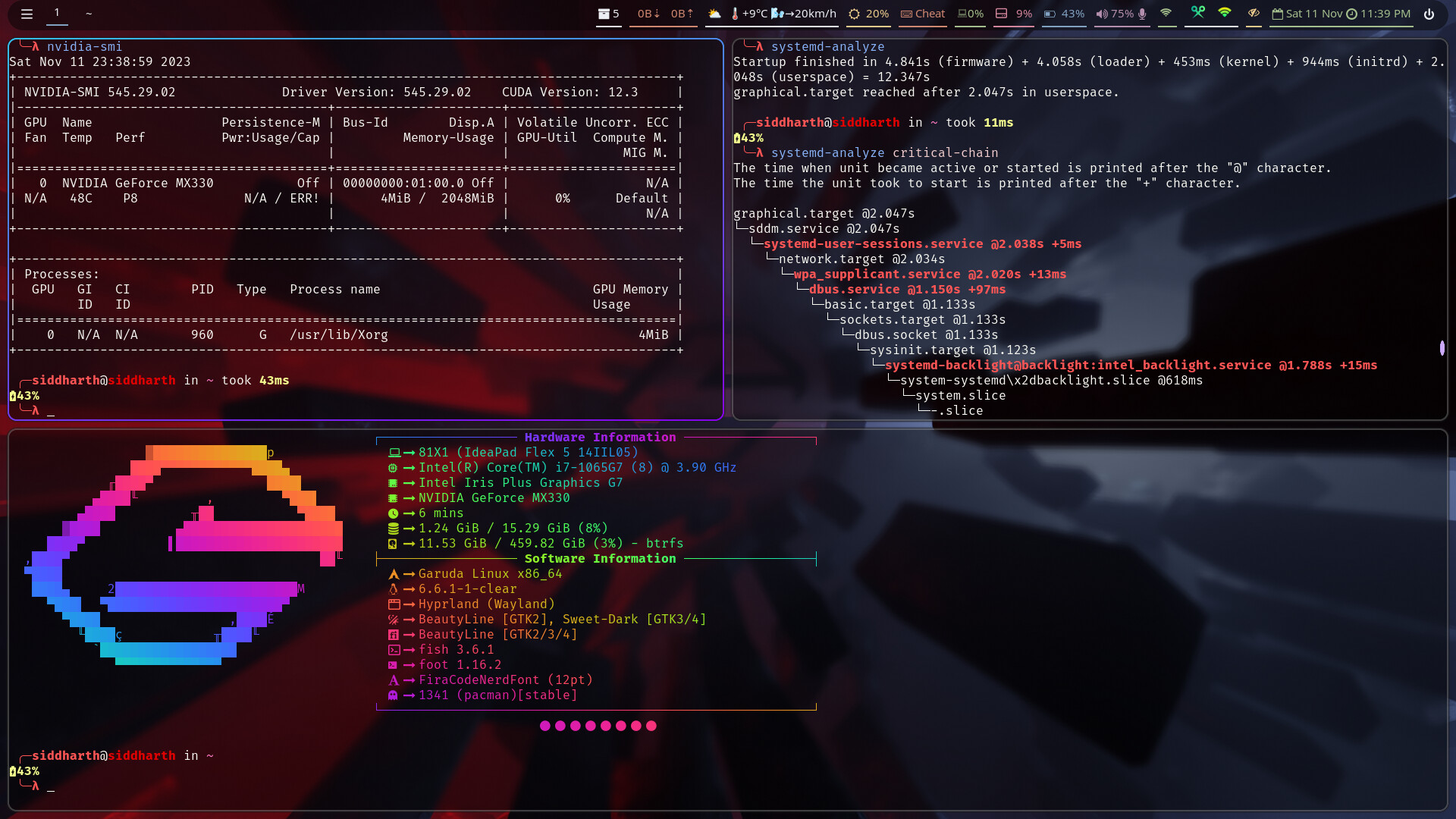
Just finished installing Hyprland. Borked my KDE bad enough that even snapshots decided to not work… They all were just stuck at loading initramfs for some reason. Then I decided to reinstall the system and initially went with sway. (because bling bling important) but sadly found out sway doesn’t support nvidia proprietary anymore  and passing
 --unsupported-gpu doesn’t help either. I thought welp guess I should go with hyprland then. Installed and using hyprland now just finished configuring it. 
Now if only I could find out why forum is not using the entirety of my firedragon’s screen and using quarter of it instead.
2 Likes
?
But 2 sec. are not bad 
1 Like
There is no reason for driver if you use sway. Unless you play games I guess (?)
Occasionally yes. Maybe once a bluemoon or when my lil brother is with me.
Ah I figured it out it was just screen scaling issue. That’ why everything was so tiny and I had a headache all day… Should have thought of that first. 
Yes, I am extremely happy.
1 Like
For the record, Sway has never supported Nvidia proprietary drivers and they have always been very open about that. Hyprland does not support Nvidia proprietary drivers either.
These days, it seems most folks are able to use Nvidia on Sway with no or few issues aside from needing to set a few environment variables and enable kernel mode setting: Some workarounds to use Sway with Nvidia - r/swaywm
If you are using launching the session with Greetd you’d have to amend the config to use this flag, or set up a wrapper. But as far as I know this flag is still in play:
Note: All proprietary graphics drivers are not supported, including NVIDIA. After NVIDIA driver version 495, sway works if you enable kernel mode setting and run sway with
--unsupported-gpu.
2 Likes
I would be perfectly fine with nouveau drivers as well if they had supporting nvidia software like nvidia-smi, nvidia-settings, gwe. They all work with the proprietary driver only.