NaN
21 October 2023 09:17
44
Try with
garuda-update -a
because,
paru -Si ant-dracula-kvantum-theme-git
shows that kvantum-qt5 isn’t a dependency for this package anymore,
Repository      : aur
Name            : ant-dracula-kvantum-theme-git
Version         : v2.0.r58.gf8baef3-1
Description     : Ant Dracula theme for Kvantum Qt style
URL             : https://github.com/dracula/gtk
AUR URL         : https://aur.archlinux.org/packages/ant-dracula-kde-theme-git
Groups          : None
Licenses        : GPL3
Provides        : ant-dracula-kvantum-theme
Depends On      : kvantum
Make Deps       : git
Check Deps      : None
Optional Deps   : None
Conflicts With  : None
Maintainer      : Insprill
Votes           : 8
Popularity      : 0.000001
First Submitted : Mon, 29 Jun 2020 17:15:57 +0000
Last Modified   : Sun, 01 Oct 2023 22:30:37 +0000
Out Of Date     : No
2 Likes
Thanks for your response but sadly it didn’t work in either system. Here’s my respo nse in i3
error: failed to prepare transaction (could not satisfy dependencies)
:: installing kwindowsystem5 (5.111.0-1) breaks dependency 'kwindowsystem' required by kvantum-git
Here’s the response in Qtile
error: failed to prepare transaction (could not satisfy dependencies) ::
installing kvantum (1.0.10-2) breaks dependency 'kvantum-qt5' required
by ant-dracula-kvantum-theme-git
I’m really at a loss now. I’ve no idea how to proceed.
NaN
21 October 2023 09:48
46
Schlumpf23_v3:
kvantum-git
For this one you need to wait for the upstream AUR maintainer to update their dependencies.
For this one how about temporarily removing it and then after update reinstalling it?
1 Like
Thank you so much! The solution for Qtile worked like a charm and I guess I just have to wait for the AUR update re i3 update. Agasin, thank you so much.
2 Likes
NaN
21 October 2023 10:13
48
Schlumpf23_v3:
AUR update re i3 update
Actually about that if you are willing to shift from kvantum-git to kvantum you can update your system now,
pacman -Si kvantum
As you can see the kvantum package has already resolved the dependency issue you are facing with kvantum-git.
Repository      : extra
Name            : kvantum
Version         : 1.0.10-2
Description     : SVG-based theme engine for Qt5/6 (including config tool and extra themes)
Architecture    : x86_64
URL             : https://github.com/tsujan/Kvantum
Licenses        : GPL
Groups          : None
Provides        : None
Depends On      : kwindowsystem5  qt5-svg
Optional Deps   : qt6-svg: Qt6 style
Conflicts With  : None
Replaces        : None
Download Size   : 1421.82 KiB
Installed Size  : 9233.77 KiB
Packager        : Antonio Rojas <arojas@archlinux.org>
Build Date      : Sunday 01 October 2023 01:09:42 PM
Validated By    : MD5 Sum  SHA-256 Sum  Signature
So if you,
sudo pacman -Rns kvantum-git
and,
garuda-update -- kvantum
You can update your system and switch from kvatum-git to kvantum.
3 Likes
SGS
21 October 2023 10:33
51
Change to kvantum first.
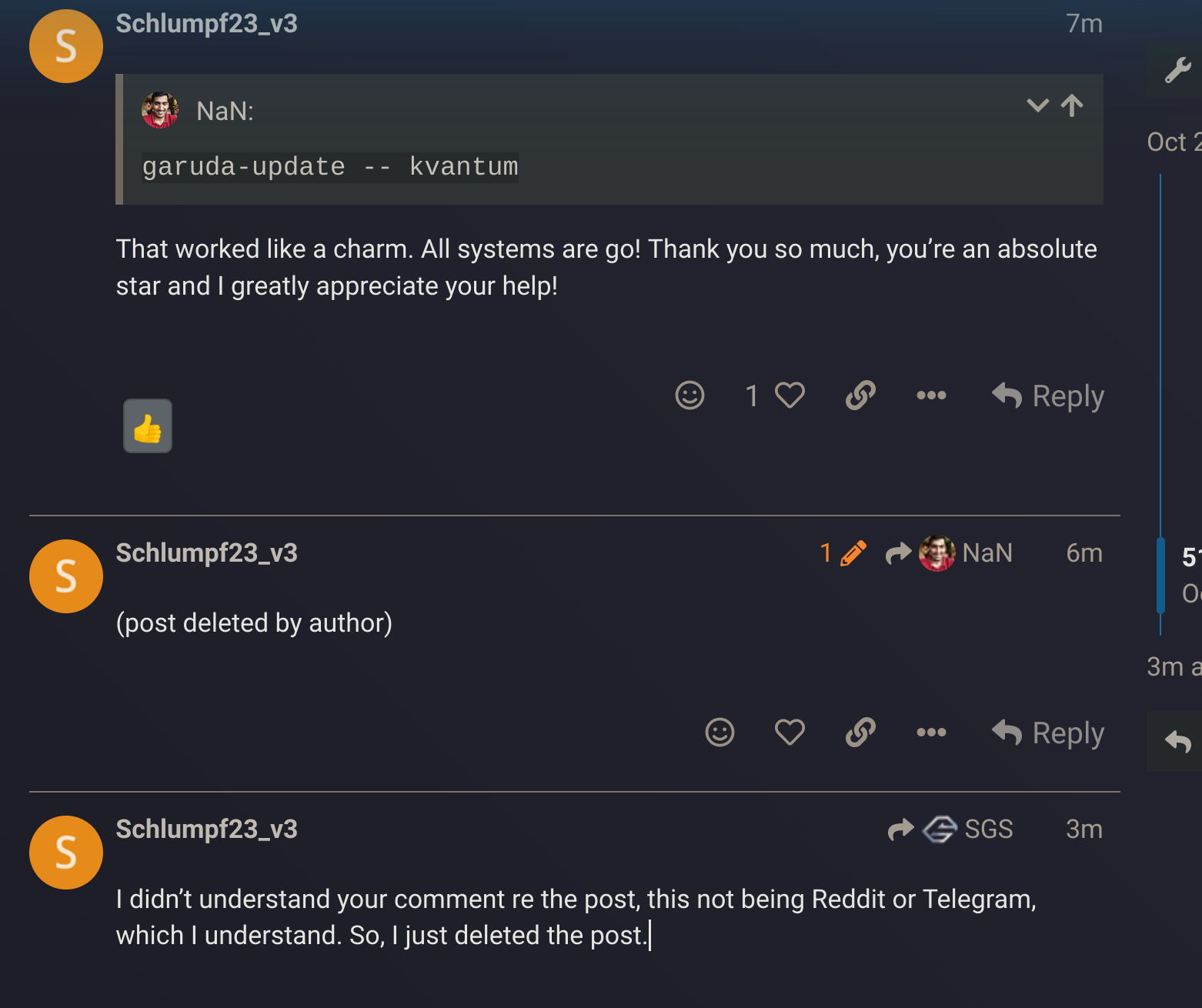
Please edit your last post as long as no one has replied to this one. This is not reddit or telegram, thank you
error: failed to prepare transaction (could not satisfy dependencies)
:: removing kvantum-git breaks dependency 'kvantum' required by kvantum-theme-qogir-git
This is what happens when I try to remove kvantum-git and change to kvantum.
NaN
21 October 2023 10:38
53
sudo pacman -Rdd kvantum-git
then,
garuda-update -- kvantum
2 Likes
NaN:
garuda-update -- kvantum
That worked like a charm. All systems are go! Thank you so much, you’re an absolute star and I greatly appreciate your help!
2 Likes
I didn’t understand your comment re the post, this not being Reddit or Telegram, which I understand. So, I just deleted the post.
SGS
21 October 2023 10:51
57
You can wrote all this in one post, just edit and do not post multipple times for a new idea.
NaN:
garuda-update -- kvantum
correct, as sample to post to other people in one post.
5 Likes
I think that’s me lol. I’ll be doing some maintenance along with a post informing about the current situation later, first gotta take a nap
5 Likes
HipKat
21 October 2023 12:35
59
This did not solve the issue on my end
@SGS
FWIW:
garuda-inxi
System:
Kernel: 6.5.7-zen1-1-zen arch: x86_64 bits: 64 compiler: gcc v: 13.2.1
clocksource: tsc available: hpet,acpi_pm
parameters: BOOT_IMAGE=/@/boot/vmlinuz-linux-zen
root=UUID=b490211f-2fe3-40fa-bb09-ede6ca56b7ae rw rootflags=subvol=@
quiet quiet rd.udev.log_priority=3 vt.global_cursor_default=0 loglevel=3
ibt=off
Desktop: KDE Plasma v: 5.27.8 tk: Qt v: 5.15.11 wm: kwin_x11 vt: 2
dm: SDDM Distro: Garuda Linux base: Arch Linux
Machine:
Type: Desktop Mobo: ASUSTeK model: ROG MAXIMUS X HERO (WI-FI AC) v: Rev 1.xx
serial: <superuser required> UEFI-[Legacy]: American Megatrends v: 2503
date: 09/25/2020
CPU:
Info: model: Intel Core i7-8700K bits: 64 type: MT MCP arch: Coffee Lake
gen: core 8 level: v3 note: check built: 2018 process: Intel 14nm family: 6
model-id: 0x9E (158) stepping: 0xA (10) microcode: 0xF4
Topology: cpus: 1x cores: 6 tpc: 2 threads: 12 smt: enabled cache:
L1: 384 KiB desc: d-6x32 KiB; i-6x32 KiB L2: 1.5 MiB desc: 6x256 KiB
L3: 12 MiB desc: 1x12 MiB
Speed (MHz): avg: 860 high: 1224 min/max: 800/4700:4800 scaling:
driver: intel_pstate governor: powersave cores: 1: 900 2: 1224 3: 800 4: 800
5: 800 6: 900 7: 800 8: 800 9: 900 10: 800 11: 800 12: 800 bogomips: 88796
Flags: avx avx2 ht lm nx pae sse sse2 sse3 sse4_1 sse4_2 ssse3 vmx
Vulnerabilities: <filter>
Graphics:
Device-1: NVIDIA GP104 [GeForce GTX 1080] vendor: ASUSTeK driver: nvidia
v: 535.113.01 alternate: nouveau,nvidia_drm non-free: 535.xx+
status: current (as of 2023-09) arch: Pascal code: GP10x
process: TSMC 16nm built: 2016-21 pcie: gen: 3 speed: 8 GT/s lanes: 16
bus-ID: 01:00.0 chip-ID: 10de:1b80 class-ID: 0300
Device-2: Microsoft LifeCam Cinema driver: snd-usb-audio,uvcvideo
type: USB rev: 2.0 speed: 480 Mb/s lanes: 1 mode: 2.0 bus-ID: 1-11:4
chip-ID: 045e:075d class-ID: 0102
Display: x11 server: X.Org v: 21.1.8 with: Xwayland v: 23.2.1
compositor: kwin_x11 driver: X: loaded: modesetting,nouveau,nvidia
unloaded: vesa alternate: fbdev,nv gpu: nvidia display-ID: :0 screens: 1
Screen-1: 0 s-res: 7680x2160 s-dpi: 159 s-size: 1227x352mm (48.31x13.86")
s-diag: 1276mm (50.26")
Monitor-1: DP-2 pos: right res: 3840x2160 hz: 60 dpi: 161
size: 607x345mm (23.9x13.58") diag: 698mm (27.49") modes: N/A
Monitor-2: HDMI-0 pos: primary,left res: 3840x2160 hz: 60 dpi: 160
size: 608x345mm (23.94x13.58") diag: 699mm (27.52") modes: N/A
Monitor-3: None-1-1 size-res: N/A modes: N/A
API: EGL v: 1.5 hw: drv: nvidia platforms: gbm: drv: nvidia
API: OpenGL v: 4.6.0 vendor: nvidia v: 535.113.01 glx-v: 1.4
direct-render: yes renderer: NVIDIA GeForce GTX 1080/PCIe/SSE2
memory: 7.81 GiB
API: Vulkan v: 1.3.264 layers: 14 device: 0 type: discrete-gpu
name: NVIDIA GeForce GTX 1080 driver: nvidia v: 535.113.01
device-ID: 10de:1b80 surfaces: xcb,xlib device: 1 type: cpu name: llvmpipe
(LLVM 16.0.6 256 bits) driver: mesa llvmpipe v: 23.2.1-arch1.2 (LLVM
16.0.6) device-ID: 10005:0000 surfaces: xcb,xlib
Audio:
Device-1: Intel 200 Series PCH HD Audio vendor: ASUSTeK
driver: snd_hda_intel v: kernel alternate: snd_soc_avs bus-ID: 00:1f.3
chip-ID: 8086:a2f0 class-ID: 0403
Device-2: NVIDIA GP104 High Definition Audio vendor: ASUSTeK
driver: snd_hda_intel v: kernel pcie: gen: 3 speed: 8 GT/s lanes: 16
bus-ID: 01:00.1 chip-ID: 10de:10f0 class-ID: 0403
Device-3: Microsoft LifeCam Cinema driver: snd-usb-audio,uvcvideo
type: USB rev: 2.0 speed: 480 Mb/s lanes: 1 mode: 2.0 bus-ID: 1-11:4
chip-ID: 045e:075d class-ID: 0102
API: ALSA v: k6.5.7-zen1-1-zen status: kernel-api with: aoss
type: oss-emulator tools: N/A
Server-1: PipeWire v: 0.3.82 status: active with: 1: pipewire-pulse
status: active 2: wireplumber status: active 3: pipewire-alsa type: plugin
4: pw-jack type: plugin tools: pactl,pw-cat,pw-cli,wpctl
Network:
Device-1: Intel Ethernet I219-V vendor: ASUSTeK driver: e1000e v: kernel
port: N/A bus-ID: 00:1f.6 chip-ID: 8086:15b8 class-ID: 0200
IF: enp0s31f6 state: up speed: 1000 Mbps duplex: full mac: <filter>
Device-2: Realtek RTL8822BE 802.11a/b/g/n/ac WiFi adapter vendor: ASUSTeK
driver: rtw_8822be v: N/A modules: rtw88_8822be pcie: gen: 1 speed: 2.5 GT/s
lanes: 1 port: d000 bus-ID: 04:00.0 chip-ID: 10ec:b822 class-ID: 0280
IF: wlp4s0 state: down mac: <filter>
Bluetooth:
Device-1: ASUSTek Bluetooth Radio driver: btusb v: 0.8 type: USB rev: 1.1
speed: 12 Mb/s lanes: 1 mode: 1.1 bus-ID: 1-13:5 chip-ID: 0b05:185c
class-ID: e001 serial: <filter>
Report: btmgmt ID: hci0 rfk-id: 0 state: up address: <filter> bt-v: 4.2
lmp-v: 8 status: discoverable: no pairing: no class-ID: 7c0104
Drives:
Local Storage: total: 5.46 TiB used: 1.37 TiB (25.0%)
SMART Message: Unable to run smartctl. Root privileges required.
ID-1: /dev/nvme0n1 maj-min: 259:0 vendor: Samsung model: SSD 980 PRO with
Heatsink 1TB size: 931.51 GiB block-size: physical: 512 B logical: 512 B
speed: 63.2 Gb/s lanes: 4 tech: SSD serial: <filter> fw-rev: 5B2QGXA7
temp: 30.9 C scheme: MBR
ID-2: /dev/sda maj-min: 8:0 vendor: Western Digital
model: WD5000AAKS-00V1A0 size: 465.76 GiB block-size: physical: 512 B
logical: 512 B speed: 3.0 Gb/s tech: N/A serial: <filter> fw-rev: 1D05
ID-3: /dev/sdb maj-min: 8:16 vendor: Western Digital
model: WD4004FZWX-00GBGB0 size: 3.64 TiB block-size: physical: 4096 B
logical: 512 B speed: 6.0 Gb/s tech: HDD rpm: 7200 serial: <filter>
fw-rev: 0A81 scheme: GPT
ID-4: /dev/sdc maj-min: 8:32 vendor: Samsung model: SSD 850 EVO 500GB
size: 465.76 GiB block-size: physical: 512 B logical: 512 B speed: 6.0 Gb/s
tech: SSD serial: <filter> fw-rev: 3B6Q scheme: GPT
Partition:
ID-1: / raw-size: 931.51 GiB size: 931.51 GiB (100.00%)
used: 114.22 GiB (12.3%) fs: btrfs dev: /dev/nvme0n1p1 maj-min: 259:1
ID-2: /home raw-size: 931.51 GiB size: 931.51 GiB (100.00%)
used: 114.22 GiB (12.3%) fs: btrfs dev: /dev/nvme0n1p1 maj-min: 259:1
ID-3: /var/log raw-size: 931.51 GiB size: 931.51 GiB (100.00%)
used: 114.22 GiB (12.3%) fs: btrfs dev: /dev/nvme0n1p1 maj-min: 259:1
ID-4: /var/tmp raw-size: 931.51 GiB size: 931.51 GiB (100.00%)
used: 114.22 GiB (12.3%) fs: btrfs dev: /dev/nvme0n1p1 maj-min: 259:1
Swap:
Kernel: swappiness: 133 (default 60) cache-pressure: 100 (default) zswap: no
ID-1: swap-1 type: zram size: 31.27 GiB used: 0 KiB (0.0%) priority: 100
comp: zstd avail: lzo,lzo-rle,lz4,lz4hc,842 max-streams: 12 dev: /dev/zram0
Sensors:
System Temperatures: cpu: 31.0 C mobo: N/A gpu: nvidia temp: 56 C
Fan Speeds (rpm): N/A gpu: nvidia fan: 25%
Info:
Processes: 322 Uptime: 40m wakeups: 0 Memory: total: 32 GiB
available: 31.27 GiB used: 5.32 GiB (17.0%) Init: systemd v: 254
default: graphical tool: systemctl Compilers: gcc: 13.2.1 Packages:
pm: pacman pkgs: 1979 libs: 568 tools: octopi,pamac,paru,yay pm: flatpak
pkgs: 0 Shell: fish v: 3.6.1 default: Bash v: 5.1.16 running-in: yakuake
inxi: 3.3.30
Garuda (2.6.17-1):
System install date:     2023-07-07
Last full system update: 2023-10-14
Is partially upgraded:   No
Relevant software:       timeshift(custom) NetworkManager dracut nvidia-dkms
Windows dual boot:       <superuser required>
Failed units:
SGS
21 October 2023 12:49
60
HipKat:
This did not solve the issue on my end
@SGS
It gets a bit confusing when posting to different problems in one thread.
3 Likes