Hello!
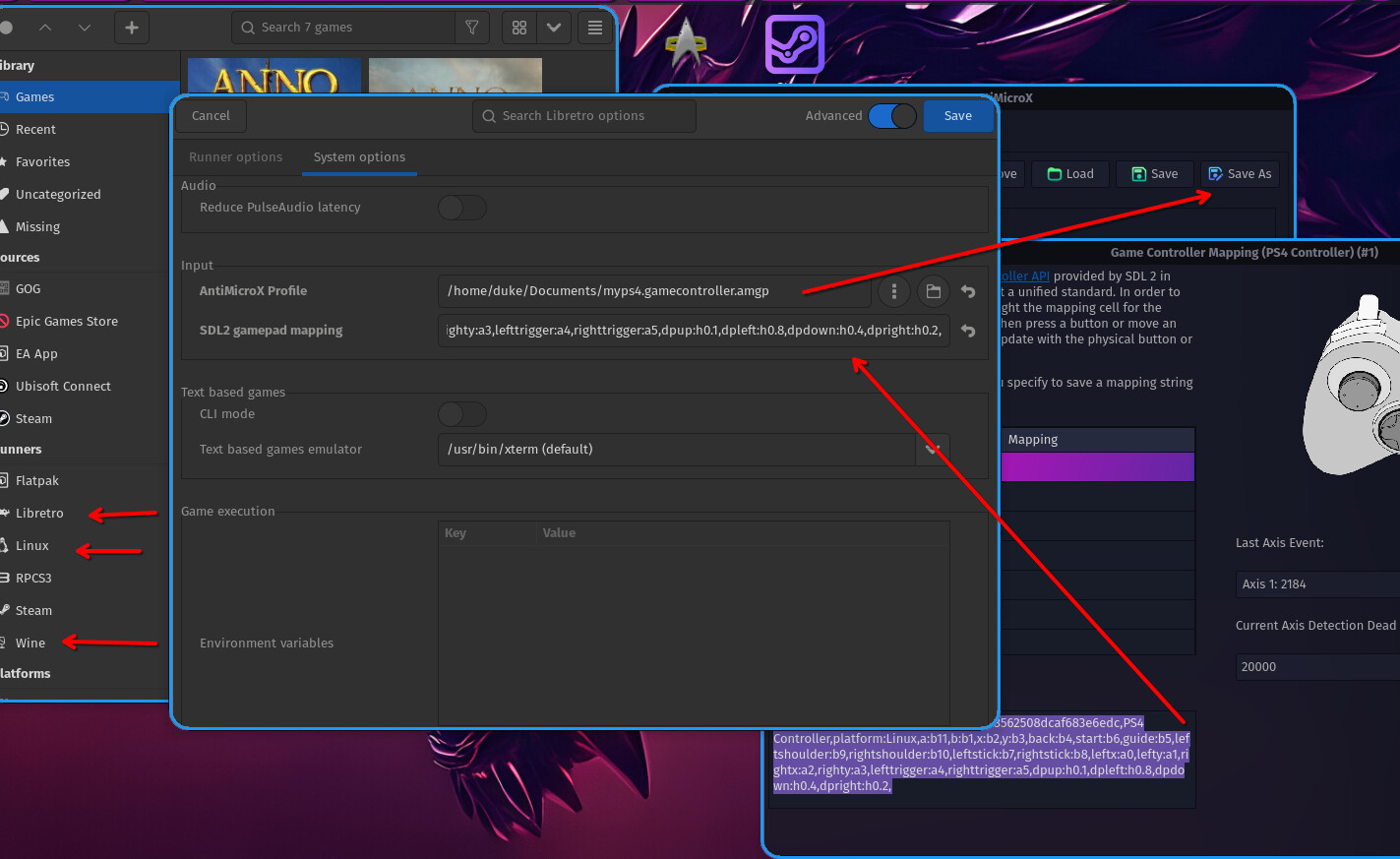
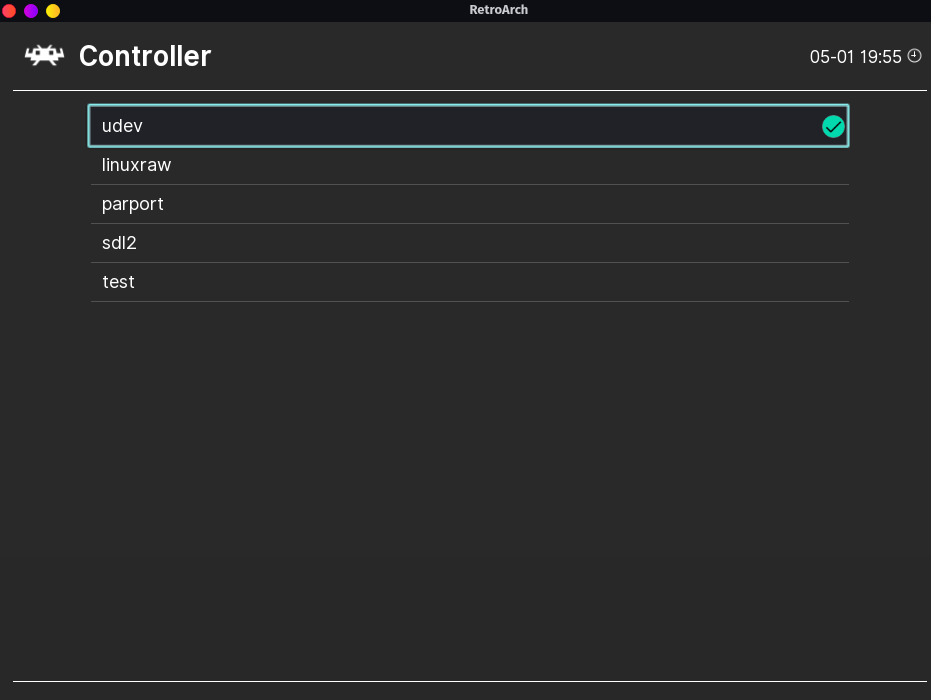
I recently cleaned up my Garuda install using Rani, and after doing so garuda-health is not showing any issues. However, I appear to be having an issue with my Dualsense controller and SDL - certain apps like Retroarch are no longer recognizing my controller, and in Heroic Games Launcher I need to disable HIDRAW and enable SDL in the wineprefix registry for my controller to work in games I install there.
I know there are solutions like udev rules to map the Dualsense to an Xbox controller, but I don’t like this given that I used to have such a udev package and it was one of the packages garuda-health was flagging as needing to be addressed.
In searching for a solution, I came across this SelfMadePenguin post from Feb 2024, detailing how he set his SDL_GAMECONTROLLERCONFIG environment variable to point to a Bash script in /etc/profile.d like so:
#!/bin/bash
export SDL_GAMECONTROLLERCONFIG="
030057564c050000e60c000000006800,PS5 Controller,platform:Linux,a:b0,b:b1,x:b2,y:b3,back:b4,start:b6,guide:b5,leftshoulder:b9,rightshoulder:b10,leftstick:b7,rightstick:b8,leftx:a0,lefty:a1,rightx:a2,righty:a3,lefttrigger:a4,righttrigger:a5,dpup:b11,dpleft:b13,dpdown:b12,dpright:b14,"
I’m considering doing this (obviously checking for current IDs, the post is from early 2024), but before I do I thought I would check with the community and see if there are any issues which might result from setting this variable.
Is this good to go forward with? Or am I, due to my lack of advanced Linux expertise, missing any obvious solutions for this problem?
TIA!
EDIT: My garuda-inxi for anyone who needs it:
System:
Kernel: 6.18.1-zen1-2-zen arch: x86_64 bits: 64 compiler: gcc v: 15.2.1
clocksource: tsc avail: hpet,acpi_pm
parameters: BOOT_IMAGE=/@/boot/vmlinuz-linux-zen
root=UUID=5adae899-8547-4110-abb8-a1f594d990d8 rw rootflags=subvol=@
quiet quiet rd.udev.log_priority=3 vt.global_cursor_default=0 loglevel=3
Desktop: KDE Plasma v: 6.5.4 tk: Qt v: N/A info: frameworks v: 6.21.0
wm: kwin_wayland with: krunner vt: 1 dm: SDDM Distro: Garuda
base: Arch Linux
Machine:
Type: Desktop Mobo: ASRock model: X570 Taichi serial: <superuser required>
uuid: <superuser required> Firmware: UEFI vendor: American Megatrends
v: P5.60 date: 01/18/2024
Battery:
Device-1: ps-controller-battery-10:18:49:a3:35:98 model: N/A serial: N/A
charge: N/A status: full
CPU:
Info: model: AMD Ryzen 7 5800X bits: 64 type: MT MCP arch: Zen 3+ gen: 3
level: v3 note: check built: 2022 process: TSMC n6 (7nm) family: 0x19 (25)
model-id: 0x21 (33) stepping: 0 microcode: 0xA20102E
Topology: cpus: 1x dies: 1 clusters: 1 cores: 8 threads: 16 tpc: 2
smt: enabled cache: L1: 512 KiB desc: d-8x32 KiB; i-8x32 KiB L2: 4 MiB
desc: 8x512 KiB L3: 32 MiB desc: 1x32 MiB
Speed (MHz): avg: 3506 min/max: 556/4854 boost: enabled scaling:
driver: amd-pstate-epp governor: powersave cores: 1: 3506 2: 3506 3: 3506
4: 3506 5: 3506 6: 3506 7: 3506 8: 3506 9: 3506 10: 3506 11: 3506 12: 3506
13: 3506 14: 3506 15: 3506 16: 3506 bogomips: 121597
Flags-basic: avx avx2 ht lm nx pae sse sse2 sse3 sse4_1 sse4_2 sse4a
ssse3 svm
Vulnerabilities: <filter>
Graphics:
Device-1: Advanced Micro Devices [AMD/ATI] Navi 32 [Radeon RX 7700 XT /
7800 XT] vendor: ASRock driver: amdgpu v: kernel arch: RDNA-3
code: Navi-3x process: TSMC n5 (5nm) built: 2022+ pcie: gen: 4
speed: 16 GT/s lanes: 16 ports: active: DP-1,DP-2
empty: DP-3,HDMI-A-1,Writeback-1 bus-ID: 10:00.0 chip-ID: 1002:747e
class-ID: 0300
Display: wayland server: X.org v: 1.21.1.21 with: Xwayland v: 24.1.9
compositor: kwin_wayland driver: X: loaded: amdgpu
unloaded: modesetting,radeon alternate: fbdev,vesa dri: radeonsi
gpu: amdgpu d-rect: 3840x1080 display-ID: 0
Monitor-1: DP-1 pos: primary,left model: ASUS VP247 serial: <filter>
built: 2020 res: mode: 1920x1080 hz: 60 scale: 100% (1) dpi: 94 gamma: 1.2
size: 521x293mm (20.51x11.54") diag: 598mm (23.5") ratio: 16:9 modes:
max: 1920x1080 min: 720x400
Monitor-2: DP-2 pos: right model: Asus VG248 serial: <filter> built: 2015
res: mode: 1920x1080 hz: 60 scale: 100% (1) dpi: 92 gamma: 1.2
size: 531x299mm (20.91x11.77") diag: 609mm (24") ratio: 16:9 modes:
max: 1920x1080 min: 720x400
API: EGL v: 1.5 hw: drv: amd radeonsi platforms: device: 0 drv: radeonsi
device: 1 drv: swrast gbm: drv: kms_swrast surfaceless: drv: radeonsi
wayland: drv: radeonsi x11: drv: radeonsi
API: OpenGL v: 4.6 compat-v: 4.5 vendor: amd mesa v: 25.3.1-arch1.2
glx-v: 1.4 direct-render: yes renderer: AMD Radeon RX 7800 XT (radeonsi
navi32 LLVM 21.1.6 DRM 3.64 6.18.1-zen1-2-zen) device-ID: 1002:747e
memory: 15.62 GiB unified: no display-ID: :1.0
API: Vulkan v: 1.4.335 layers: 11 device: 0 type: discrete-gpu name: AMD
Radeon RX 7800 XT (RADV NAVI32) driver: mesa radv v: 25.3.1-arch1.2
device-ID: 1002:747e surfaces: N/A device: 1 type: cpu name: llvmpipe
(LLVM 21.1.6 256 bits) driver: mesa llvmpipe v: 25.3.1-arch1.2 (LLVM
21.1.6) device-ID: 10005:0000 surfaces: N/A
Info: Tools: api: clinfo, eglinfo, glxinfo, vulkaninfo
de: kscreen-console,kscreen-doctor gpu: corectrl,lact wl: wayland-info
x11: xdpyinfo, xprop, xrandr
Audio:
Device-1: Advanced Micro Devices [AMD/ATI] Navi 31 HDMI/DP Audio
driver: snd_hda_intel v: kernel pcie: gen: 4 speed: 16 GT/s lanes: 16
bus-ID: 10:00.1 chip-ID: 1002:ab30 class-ID: 0403
Device-2: Advanced Micro Devices [AMD] Starship/Matisse HD Audio
vendor: ASRock driver: snd_hda_intel v: kernel pcie: gen: 4 speed: 16 GT/s
lanes: 16 bus-ID: 12:00.4 chip-ID: 1022:1487 class-ID: 0403
Device-3: Sony DualSense wireless controller (PS5)
driver: playstation,snd-usb-audio,usbhid type: USB rev: 2.0 speed: 480 Mb/s
lanes: 1 mode: 2.0 bus-ID: 1-4:3 chip-ID: 054c:0ce6 class-ID: 0300
Device-4: Corsair VOID ELITE USB Gaming Headset
driver: hid-corsair-void,snd-usb-audio,usbhid type: USB rev: 2.0
speed: 12 Mb/s lanes: 1 mode: 1.1 bus-ID: 3-4:3 chip-ID: 1b1c:0a52
class-ID: 0300 serial: <filter>
API: ALSA v: k6.18.1-zen1-2-zen status: kernel-api with: aoss
type: oss-emulator tools: N/A
Server-1: sndiod v: N/A status: off tools: aucat,midicat,sndioctl
Server-2: PipeWire v: 1.4.9 status: active with: 1: pipewire-pulse
status: active 2: wireplumber status: active 3: pipewire-alsa type: plugin
4: pw-jack type: plugin tools: pactl,pw-cat,pw-cli,wpctl
Network:
Device-1: Intel Wi-Fi 6 AX200 driver: iwlwifi v: kernel pcie: gen: 2
speed: 5 GT/s lanes: 1 bus-ID: 06:00.0 chip-ID: 8086:2723 class-ID: 0280
IF: wlp6s0 state: down mac: <filter>
Device-2: Intel I211 Gigabit Network vendor: ASRock driver: igb v: kernel
pcie: gen: 1 speed: 2.5 GT/s lanes: 1 port: f000 bus-ID: 08:00.0
chip-ID: 8086:1539 class-ID: 0200
IF: enp8s0 state: up speed: 1000 Mbps duplex: full mac: <filter>
Device-3: Sony DualSense wireless controller (PS5)
driver: playstation,snd-usb-audio,usbhid type: USB rev: 2.0 speed: 480 Mb/s
lanes: 1 mode: 2.0 bus-ID: 1-4:3 chip-ID: 054c:0ce6 class-ID: 0300
Info: services: NetworkManager, smbd, systemd-timesyncd
Bluetooth:
Device-1: Intel AX200 Bluetooth driver: btusb v: 0.8 type: USB rev: 2.0
speed: 12 Mb/s lanes: 1 mode: 1.1 bus-ID: 3-2:2 chip-ID: 8087:0029
class-ID: e001
Report: btmgmt ID: hci0 rfk-id: 0 state: up address: <filter> bt-v: 5.2
lmp-v: 11 status: discoverable: no pairing: no class-ID: 6c0104
Drives:
Local Storage: total: 7.73 TiB used: 3.08 TiB (39.8%)
SMART Message: Unable to run smartctl. Root privileges required.
ID-1: /dev/nvme0n1 maj-min: 259:0 vendor: Corsair model: MP600 PRO NH
size: 465.76 GiB block-size: physical: 512 B logical: 512 B speed: 63.2 Gb/s
lanes: 4 tech: SSD serial: <filter> fw-rev: EIFM31.4 temp: 44.9 C
scheme: GPT
ID-2: /dev/nvme1n1 maj-min: 259:1 vendor: Corsair model: MP600 PRO NH
size: 3.64 TiB block-size: physical: 512 B logical: 512 B speed: 63.2 Gb/s
lanes: 4 tech: SSD serial: <filter> fw-rev: EIFM51.3 temp: 37.9 C
scheme: GPT
ID-3: /dev/sda maj-min: 8:0 vendor: Crucial model: CT4000MX500SSD1
size: 3.64 TiB block-size: physical: 4096 B logical: 512 B speed: 6.0 Gb/s
tech: SSD serial: <filter> fw-rev: 045 scheme: GPT
Partition:
ID-1: / raw-size: 465.46 GiB size: 465.46 GiB (100.00%)
used: 173.77 GiB (37.3%) fs: btrfs dev: /dev/nvme0n1p2 maj-min: 259:3
ID-2: /boot/efi raw-size: 300 MiB size: 299.4 MiB (99.80%)
used: 664 KiB (0.2%) fs: vfat dev: /dev/nvme0n1p1 maj-min: 259:2
ID-3: /home raw-size: 465.46 GiB size: 465.46 GiB (100.00%)
used: 173.77 GiB (37.3%) fs: btrfs dev: /dev/nvme0n1p2 maj-min: 259:3
ID-4: /var/log raw-size: 465.46 GiB size: 465.46 GiB (100.00%)
used: 173.77 GiB (37.3%) fs: btrfs dev: /dev/nvme0n1p2 maj-min: 259:3
ID-5: /var/tmp raw-size: 465.46 GiB size: 465.46 GiB (100.00%)
used: 173.77 GiB (37.3%) fs: btrfs dev: /dev/nvme0n1p2 maj-min: 259:3
Swap:
Kernel: swappiness: 133 (default 60) cache-pressure: 100 (default) zswap: no
ID-1: swap-1 type: zram size: 31.26 GiB used: 6.6 MiB (0.0%) priority: 100
comp: zstd avail: lzo-rle,lzo,lz4,lz4hc,deflate,842 dev: /dev/zram0
Sensors:
System Temperatures: cpu: 38.9 C mobo: N/A gpu: amdgpu temp: 53.0 C
mem: 64.0 C
Fan Speeds (rpm): N/A gpu: amdgpu fan: 286
Info:
Memory: total: 32 GiB available: 31.26 GiB used: 9.72 GiB (31.1%)
Processes: 410 Power: uptime: 16h 56m states: freeze,mem,disk
suspend: deep avail: s2idle wakeups: 0 hibernate: platform avail: shutdown,
reboot, suspend, test_resume image: 12.48 GiB services: org_kde_powerdevil,
power-profiles-daemon, upowerd Init: systemd v: 258 default: graphical
tool: systemctl
Packages: pm: pacman pkgs: 1629 libs: 486 tools: octopi,paru Compilers:
gcc: 15.2.1 Shell: Bash v: 5.3.9 running-in: konsole inxi: 3.3.40
Garuda (2.11.1-1):
System install date:     2023-10-14
Garuda release:          230501
Last full system update: 2025-12-18 ↻
Is partially upgraded:   No
Relevant software:       snapper NetworkManager dracut garuda-hardware-profile-standard garuda-hardware-profile-standard-x11
Windows dual boot:       No/Undetected
Failed units:
--- System Health Check Report ---
25/26 checks run in 0.89 seconds ⌛
Powered by garuda-health 🦅

--- INFO ---
- A reboot is pending (update applied since last reboot)

✅ System health check passed. No issues found.
(Not sure why it’s saying a reboot is pending - I rebooted after the last update a day or so ago.)