Everything can be changed. The only question is how much effort it takes to find the corresponding configuration entry if you are unfamiliar with KDE theming.
It is defined somewhere in the theme. You could search the files in /usr/share/themes to find the responsible element and change it. However, after every update of the theme, you would have to do this again, and it may affect other elements besides just the volume slider.
No. You could do this after every update of the theme or write protect the responsible file with with the inevitable consequences, because the file will certainly contain more than just the configuration for the volume slider.
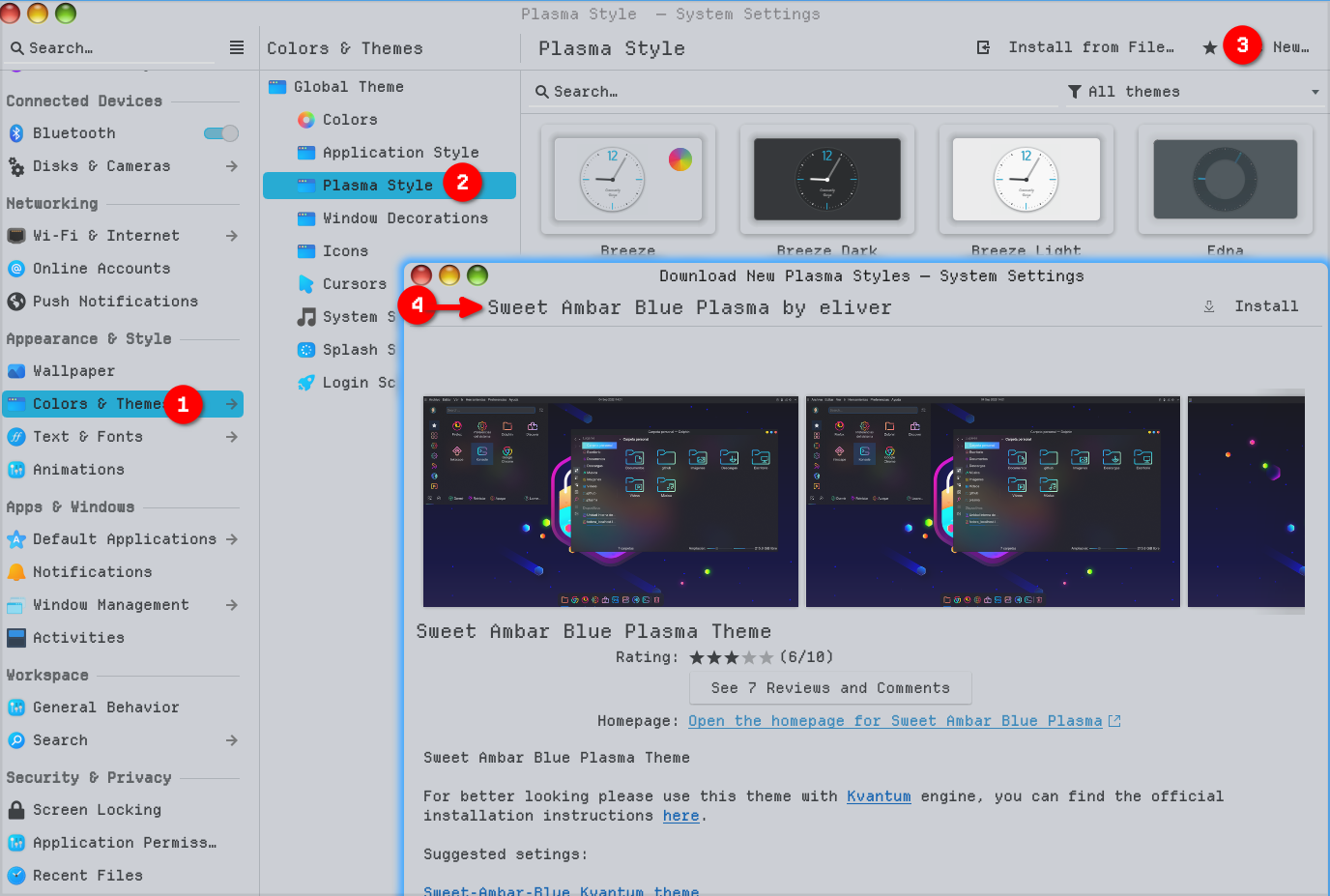
Just type blue in search but its the one I used to use, but also grab its color profile in the same way and it will be fine. you can also grab https://store.kde.org/p/1294013/ to finish it off. It will give you the full blue theme of the garuda theme.