Joe
7 October 2020 04:05
1
=>Dual boot UEFI
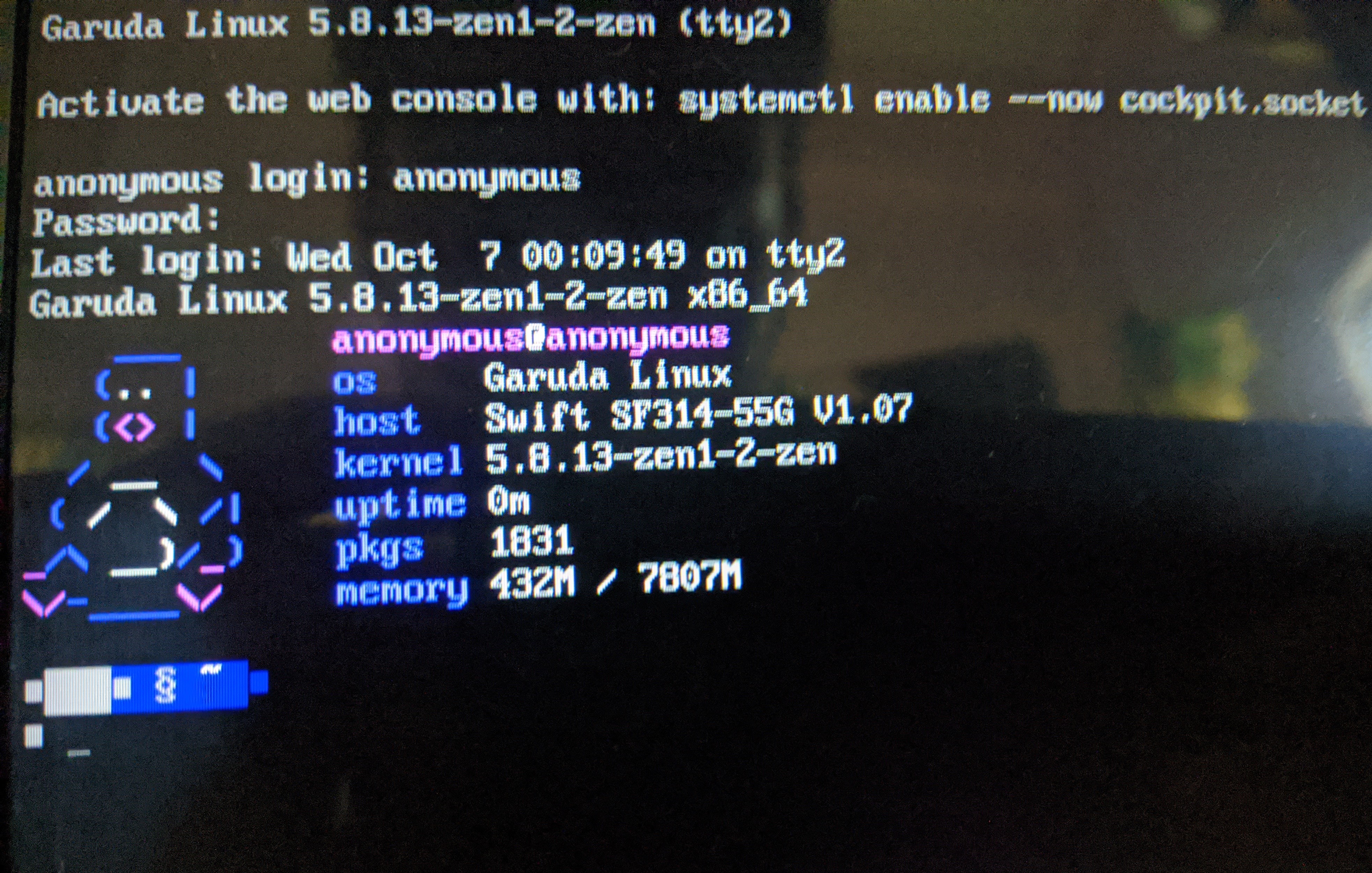
=>Giving terminal access with zen only
=>Startx is working (everytime have to do it)
Try replacing gdm-prime with vanilla gdm, it was causing issues (aka not starting) so we removed it
How can i do that
What command should i give.
Could you give me some steps
Okay if you are new to Arch you should get comfortable with Pacman, our package manager.
It should be as easy as:
sudo pacman -R gdm-prime
and
sudo pacman -S gdm
(Or you do pacman -S gdm only, pacman will ask you if its okay to replace gdm-prime with gdm)
1 Like
Joe
7 October 2020 07:33
5
I've already removed gdm-prime. And I'm on gdm
Did this
sudo pacman -Sy gdm libgdm
systemctl enable gdm --force
1 Like
@librewish any idea?
Our new version is out soon (today) it might have fixed this issue
Joe
7 October 2020 07:44
7
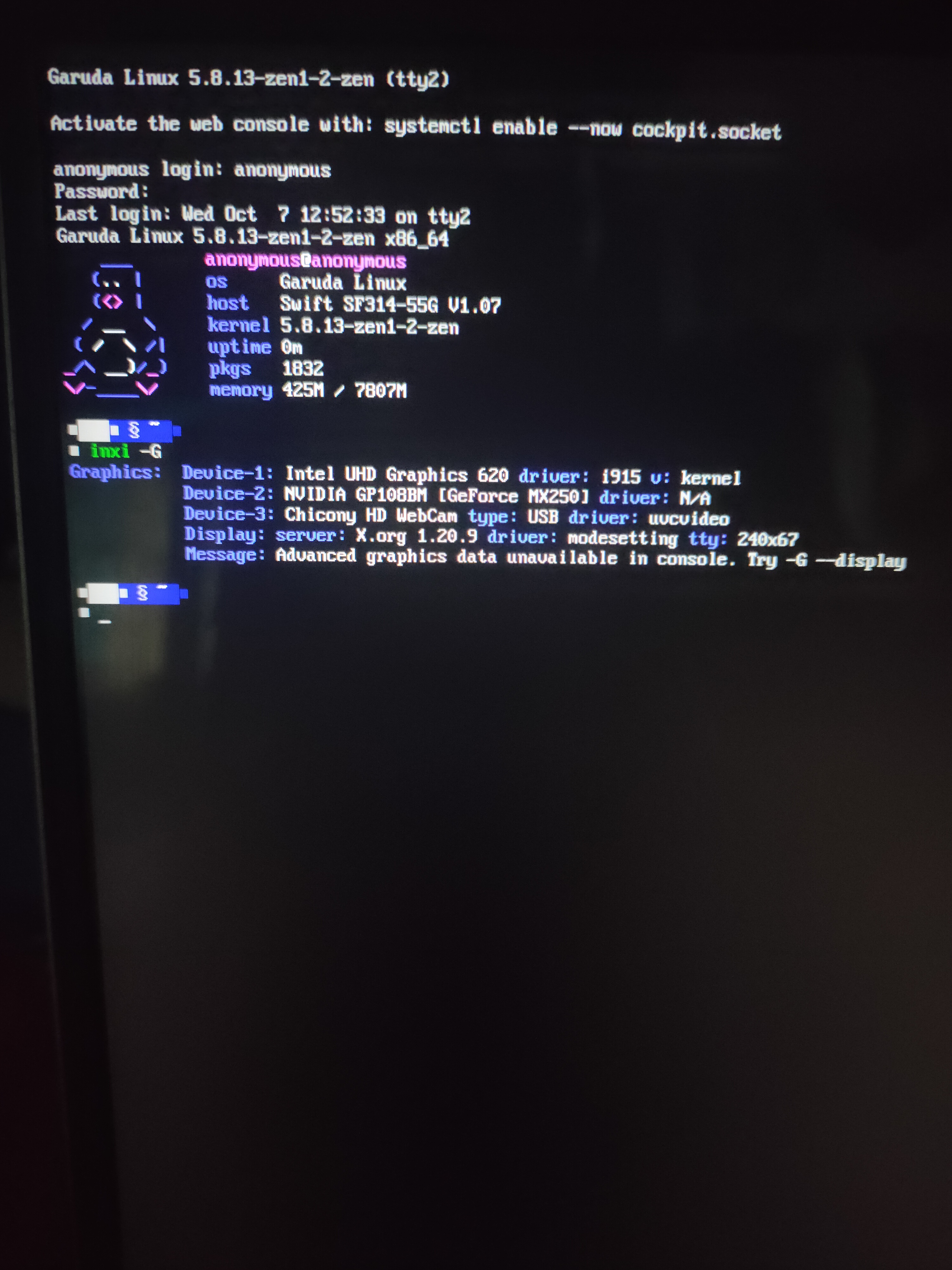
Here's my hardware
Okay try this
sudo pacman -S gdm libgdm
systemctl enable gdm --force
2 Likes
Well wait sometime today will be new iso available
It will have those issue fixed
2 Likes
Joe
7 October 2020 13:28
13
At what time it's going to get uploaded approximately?
SGS
7 October 2020 14:00
14
Wrong topic.
If nothing comes in between, today, but we are not clairvoyants, if the internet or the power goes down it can be later.
1 Like