Hey guys,
I need to make a quick recap, because I was on vacation.
At first thanks to all of you to look into my issue and to be this patient with me 
I tried different kernels to check if my controller started working, but was without success.
As I mentioned in my previous post (the longer one) I had the kernel “linux (6.16.5.arch1-1)” and the cachyos (6.17.0-rc-2-cachyos-rc) installed.
At first I need to mention, that the module “xpad” is a “Stickies-like notes application” as described in Octopi.
This is where I got confused, because the package I try to install (from GitHub - paroj/xpad: Linux Kernel Driver for the Xbox/ Xbox 360/ Xbox One Controllers) is called the same.
Because you asked why I “don’t” follow the suggestions mentioned here:
Of course I retried one of my first researched methods (if you had checked my first post you would have known, that I already tried this source (Add suport for Flydigi Apex 5 · Issue #326 · paroj/xpad · GitHub))
This is when I showed you my output of all installed packages via pacman, as it was mentioned in the second step of this post
https://www.baeldung.com/linux/arch-pacman-show-user-installed-packages
$ pacman -Qqe
acpi
...
As I mentioned I had it removed and installed according to the method mentioned in my very first post.
sudo git clone https://github.com/paroj/xpad.git /usr/src/xpad-0.4
sudo dkms install -m xpad -v 0.4
As always I rebooted my computer to test the result.
But the module xpad was not shown (as you could see)
But let’s let this misunderstanding set aside.
I’m back from my vacation and got on my computer right away!
I removed all kernels from my system.
I didn’t know that the cachyos “rc” type of kernel is for Nvidia parts only (it is nowhere described) or for devs.
Then I first reinstalled the cachyos kernel via Garuda Rani and tried what you suggested, but without success.
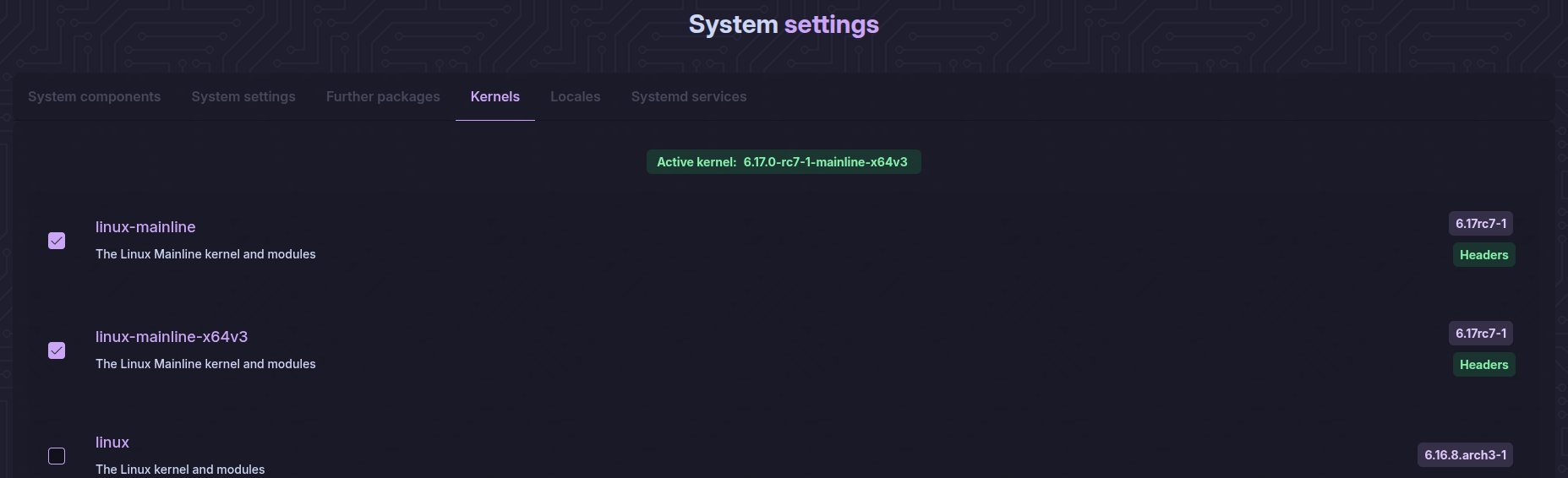
Right now I’m using the mainline kernel as you can from this screenshot from Garuda Rani here:
This is the latest kernel (6.17.0-rc7-1-mainline-x64v3) with the added support for the Flydigi Apex 5 controller.
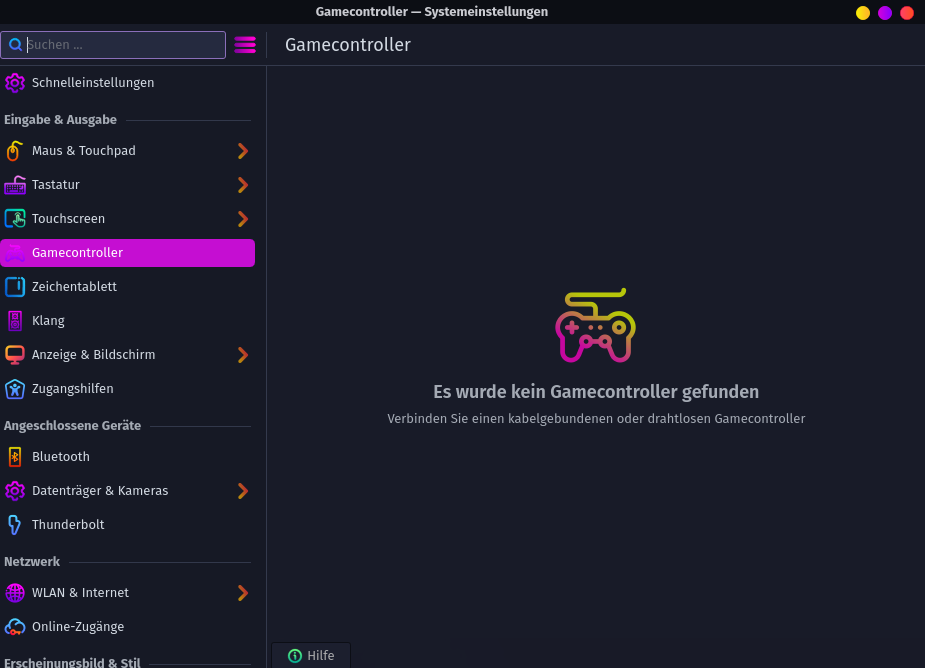
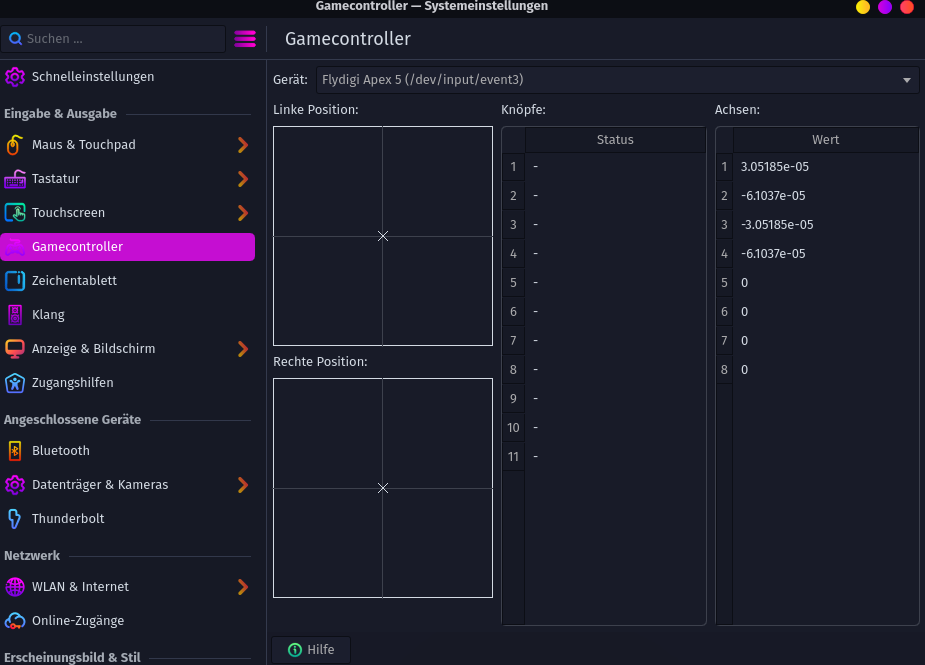
Sadly my controller is still recognized as keyboard and mouse.
As you can see in this output of “libinput list-devices”:
Device:                  Flydigi Flydigi APEX5 Wireless Keyboard
Kernel:                  /dev/input/event18
Id:                      usb:37d7:2501
Group:                   4
Seat:                    seat0, default
Capabilities:            keyboard
Tap-to-click:            n/a
Tap-and-drag:            n/a
Tap button map:          n/a
Tap drag lock:           n/a
Left-handed:             n/a
Nat.scrolling:           n/a
Middle emulation:        n/a
Calibration:             n/a
Scroll methods:          none
Scroll button:           n/a
Scroll button lock:      n/a
Click methods:           none
Clickfinger button map:  n/a
Disable-w-typing:        n/a
Disable-w-trackpointing: n/a
Accel profiles:          n/a
Rotation:                0.0
Area rectangle:          n/a

Device:                  Flydigi Flydigi APEX5 Wireless Mouse
Kernel:                  /dev/input/event23
Id:                      usb:37d7:2501
Group:                   4
Seat:                    seat0, default
Capabilities:            pointer
Tap-to-click:            n/a
Tap-and-drag:            n/a
Tap button map:          n/a
Tap drag lock:           n/a
Left-handed:             disabled
Nat.scrolling:           disabled
Middle emulation:        disabled
Calibration:             n/a
Scroll methods:          button
Scroll button:           BTN_MIDDLE
Scroll button lock:      disabled
Click methods:           none
Clickfinger button map:  n/a
Disable-w-typing:        n/a
Disable-w-trackpointing: n/a
Accel profiles:          flat *adaptive custom
Rotation:                0.0
Area rectangle:          n/a
And now I’m back to wayland instead of x11.
Right now I have the following thoughts:
-
Is there a way to “remove” my controller from the known devices?
I couldn’t find anything online tho this topic.
I could only find infos on how to handle USB-Sticks, harddrives or trackpads.
-
Is there a way to check if there is a setting in which this controller is wrongly registered that I have to remove?
-
The last thing that comes to my mind is reinstalling my whole system… 
I don’t know that informations you need, so here is the full diagnostics (inxi) I got through Rani after a fresh reboot: