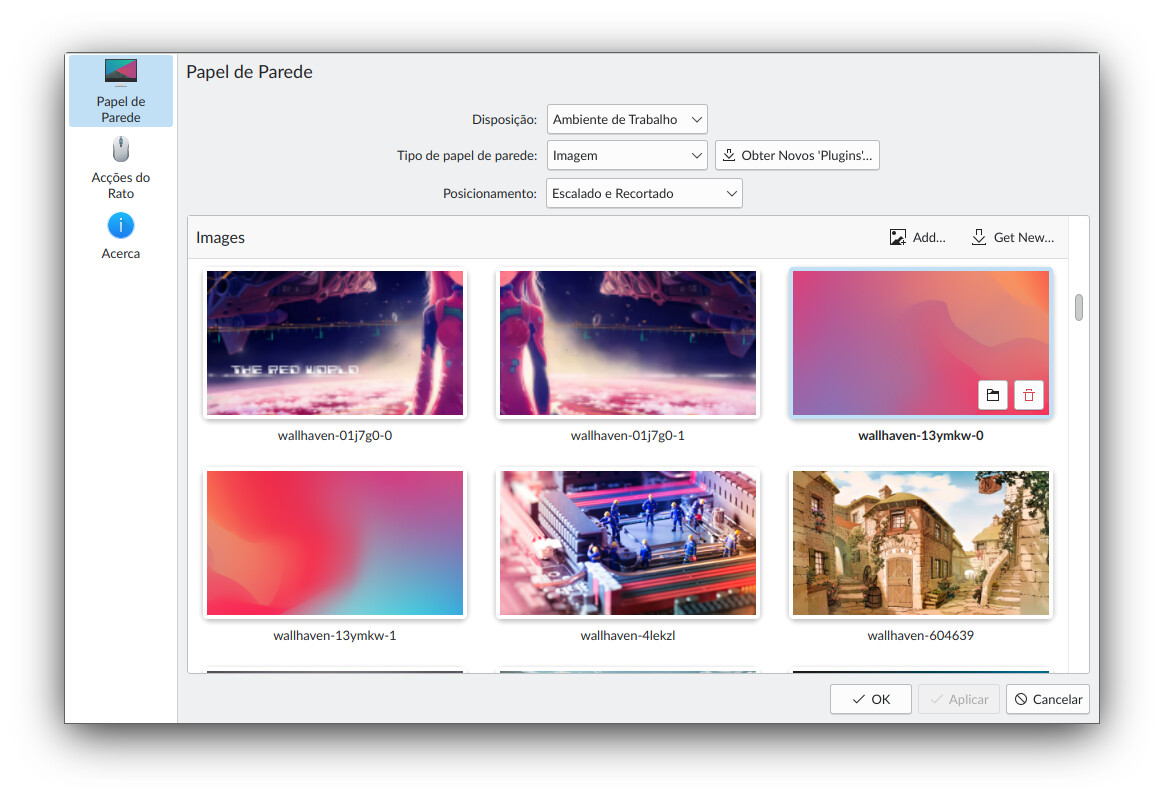
Strange … sddm with stock theming works here, and I can add wallpapers.
Everything that I use seems to be working fine, except the task manager. (stopped working some weeks ago. Also seems to happen with kde-unstable arch packages) EDIT: Seems it was an hack with XGD_DATA_DIRS I was doing in my config. have to report it upstream.
Ok, then it could be related to the fact I updated from a Dr460nized theme and Plasma didn’t like that. Not sure that explains why I cannot even open a folder to select an image as wallpaper, but it could explain the SDDM theme missing.
I will try to set everything as plain pure Plasma and see if/what it fixes.
Are you not seeing jpeg images when you try to add an image as wallpaper? Or is it something else?
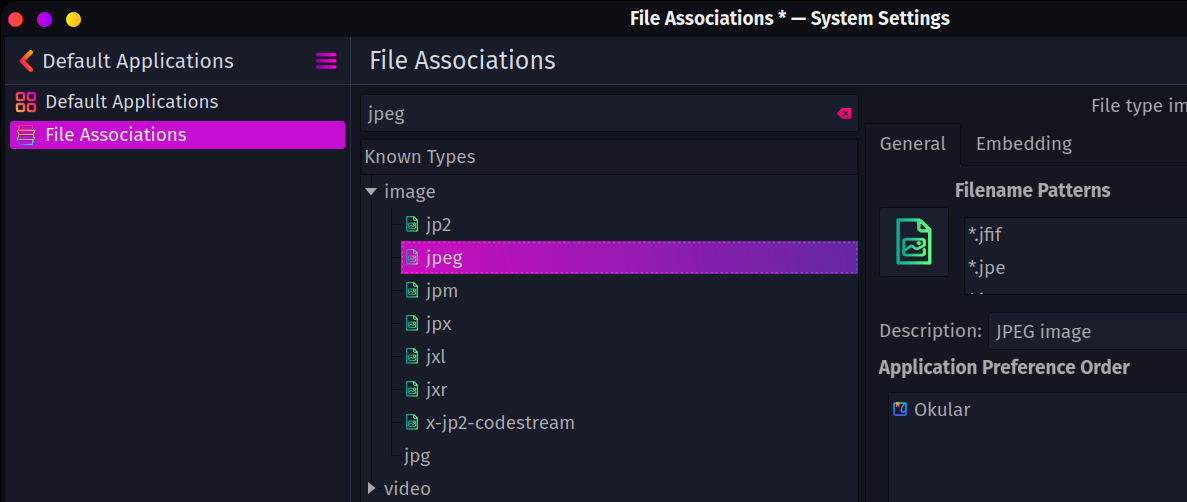
If it is just missing jpeg images, the fix for me was going into Settings → Default applications → file associations.
For some reason the known type of jpeg only had *.jfif as filename patterns. After adding in *.jpg and restarting the issue was resolved. Not sure why this happened.
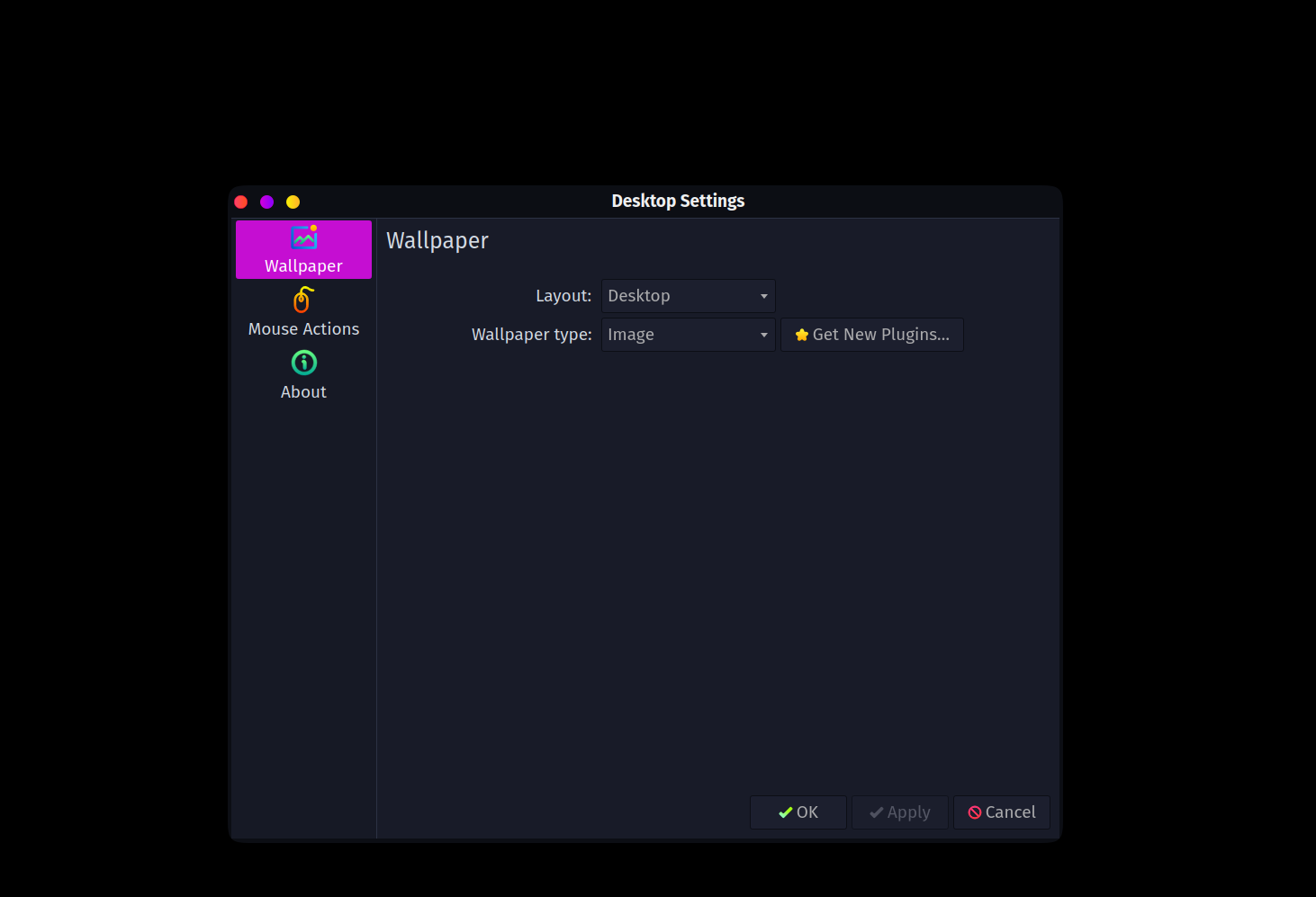
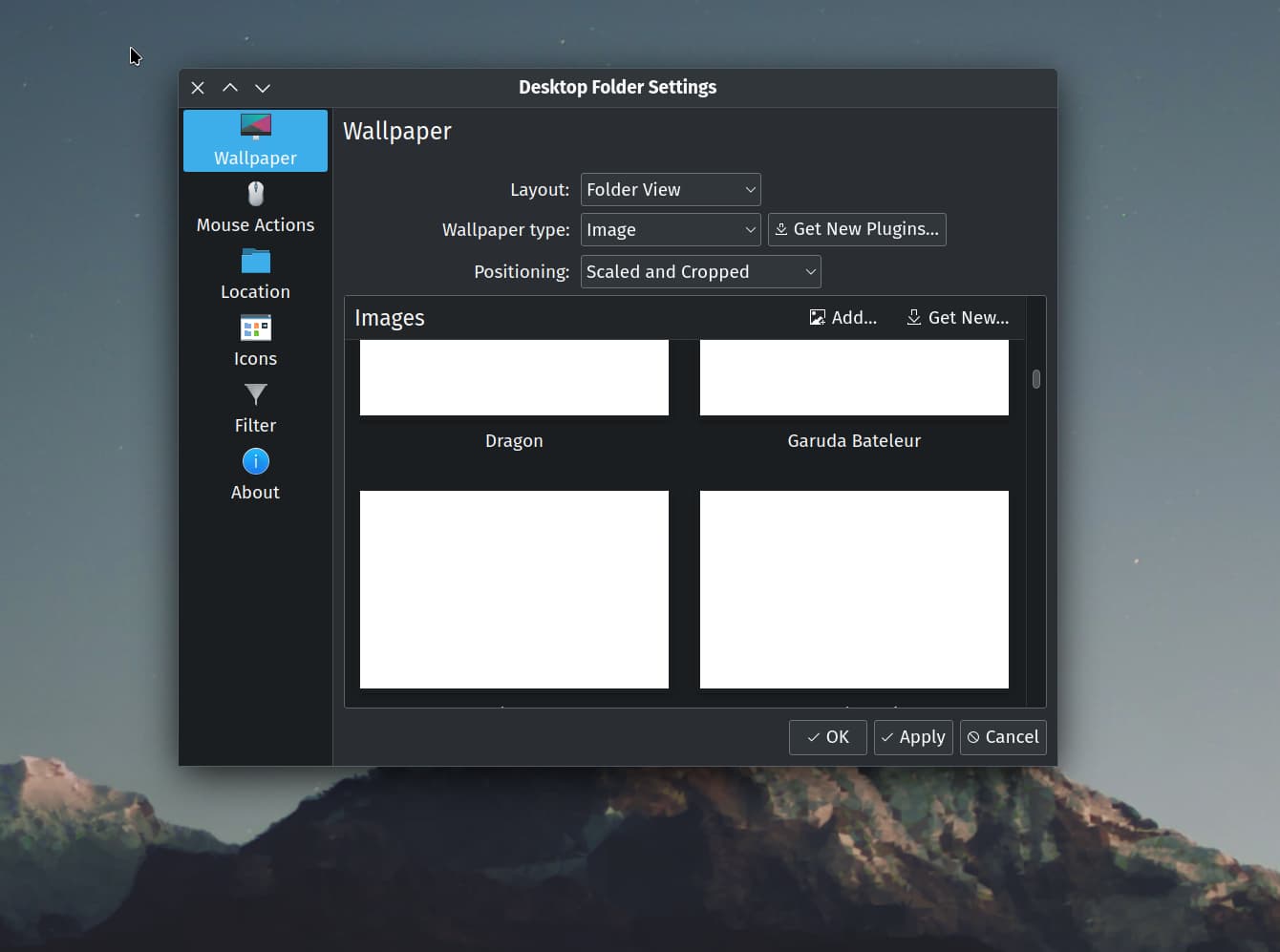
Precisely, I am not on my machine right now for a screenshot but yes, I can select the Wallpaper Type = Image but all I is below that is the window background color, nowhere to click, no images displayed, nothing written in there, as if the feature is disabled but still available in the drop-down menu.
I will have time later this w-e to play around and will try your trick, if it ain’t working I’ll try alex’s.
I’ll give a question a try, there are a couple of deep minds here maybe one of you has some sort of guidance for me.
We are using org.kde.plasma.desktop-layout.js API scripting to set our Global Theme in Dr460nized spins.
This creates, among other things, the bottom Dock and Top Panel.
Since Niccolo made a HUUUUUUGE welcomed upgrade to the Plasma Panels, new features are showing up and others slightly changed.
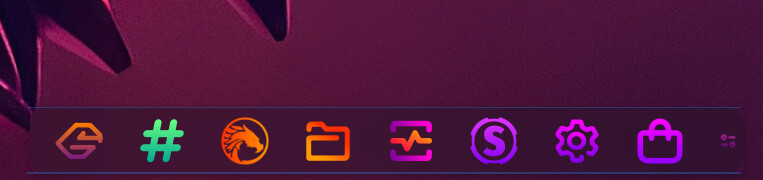
One of them is having the Dock “Fit Content”.
I know what I want to do and I know the end result. I just can’t figure out how to get there.
REQUIREMENT
The Dock should be Centered and Fit Content so instead of showing like this:
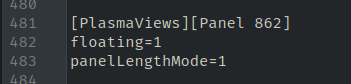
In file ~/.config/plasmashellrc in a subsection for which the numbering changes every time you apply a Global Theme, you will get the variable panelLengthMode set to 1.
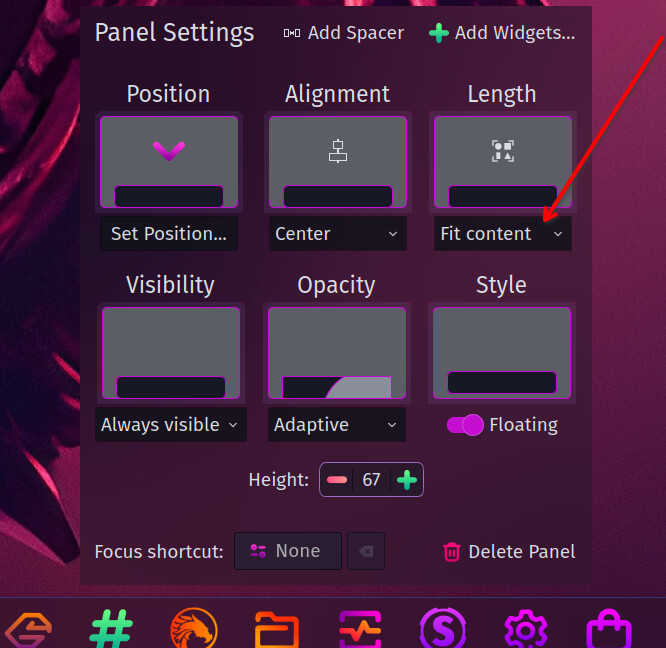
I know how to achieve that through the GUI (note: this does not seem to be a True,False as there are 3 choices):
But through the .js file I cannot find the variable…
Based on what works fine to create the Dock, except the Fit Content, I tried playing with the line in bold below:
// Create bottom panel (Dock)
const dock = new Panel
I tried various variants of the line dock.panelLength = 1 but none worked. (panelLengthMode, length, lengthMode, etc…)
I also tried commenting out the Max and Min length lines and same result.
I also tried writing a config in plasmashellrc with ConfigFile and writeEntry and again same result.
And to top it off, I cannot find the detailed API scripting KB page for Plasma 6, maybe it doesn’t exist with such details yet, I don’t know.
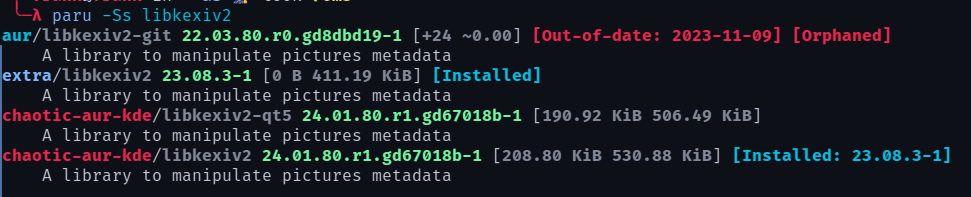
Well! Kernel 666 destroyed my Plasma 6 VM (okok I admit it was sort of slightly my fault ) and my backups where just 2-3 days too old, so I had to restart from Dec 4th, I went a different route to update and this time I did not need to manually update libkexiv2 and on top of that, I get the images of the wallpapers. How cool.
For example, when I start Hyprland, the KDE under WM, 4 workspaces open with the apps that I always need.
I don’t see any wallpaper at all, unless I need more apps, in which case the pure black would be very pleasant for my eyes.
 Lots of work ahead I think.